© HMS Industrial Networks S.L.U - All rights reserved
This information is subject to change without notice
3.3 Automatic
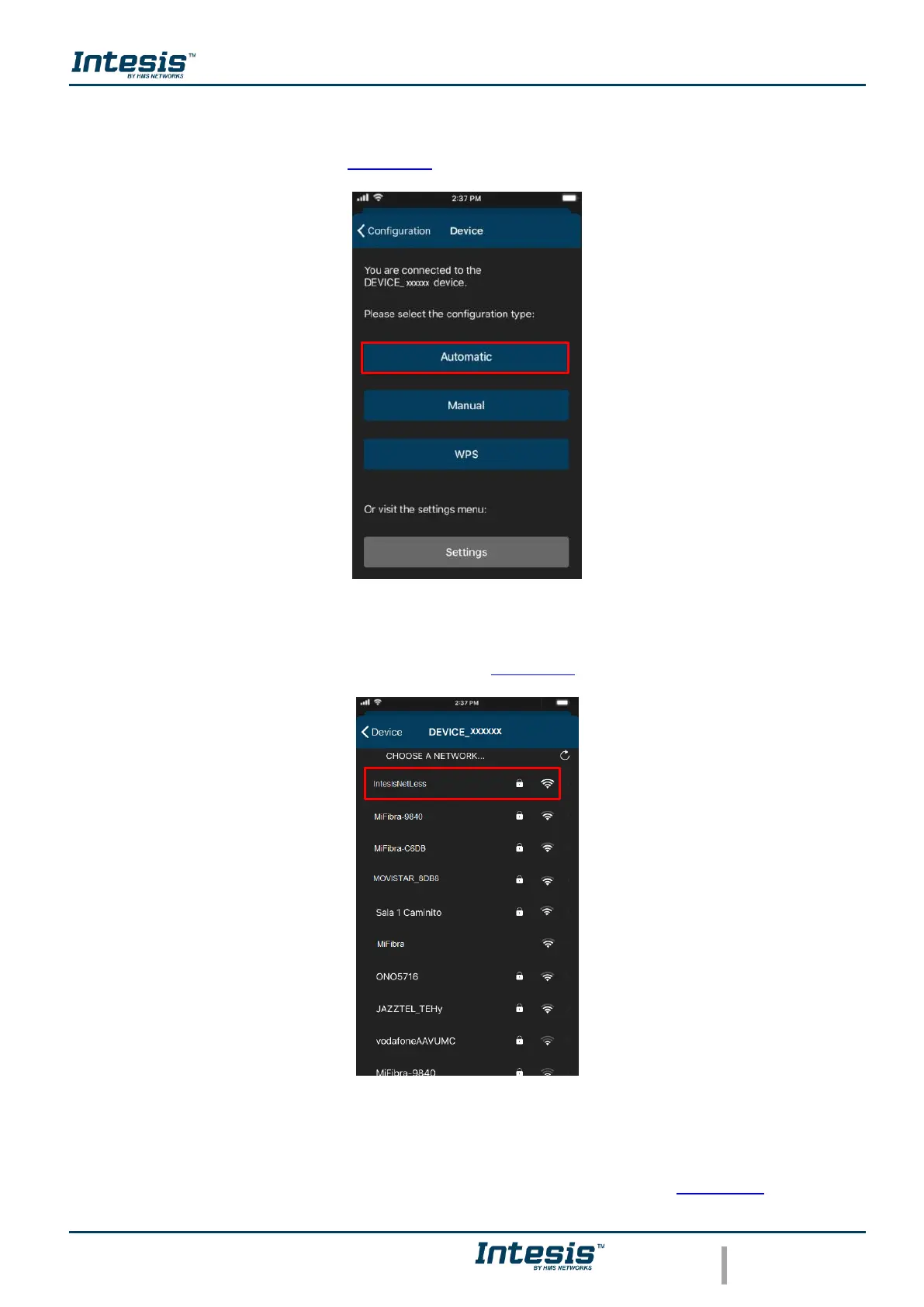
1. Tap on Automatic (See Figure 3.6)
Figure 3.6 Automatic configuration procedure.
2. Tap on name of the network wanted (See Figure 3.7)
Figure 3.7 Wi-Fi Network selection.
3. Enter the password of the Wi-Fi network selected, to double check if the password
entered is the correct one and tap on show password (See Figure 3.8). Tap on
Connect.



 To Next Page