Zoom Lever
Lever up/down: Zoom in/out (T/W)
(Please make sure that your camera is on the list of supported
devices for control and that the control cable is connected. For
smartphones, it's only available in the Hohem Joy app and some
Android mobile phones when Bluetooth is connected.)
Shutter
Half-press: Auto-Focus
(Please make sure that your camera is on the list of supported
devices for control and that the control cable is connected. )
Press once: Start/Stop Recording
Press and Hold for 1s: Take a photo
(Please make sure that your camera is on the list of supported
devices for control and that the control cable is connected. For
smartphones, please conrm the Bluetooth is connected.)
Press twice: Photo/video switch
(Please make sure that your camera is on the list of supported
devices for control and that the control cable is connected. For
smartphones, it’s only available in the Hohem Joy app and some
Android mobile phones when Bluetooth is connected.)
Press three times: Front/rear camera switch
(Only available in the Hohem Joy App and some mobile phones
Android 10.0 or later when the Bluetooth is paired.)
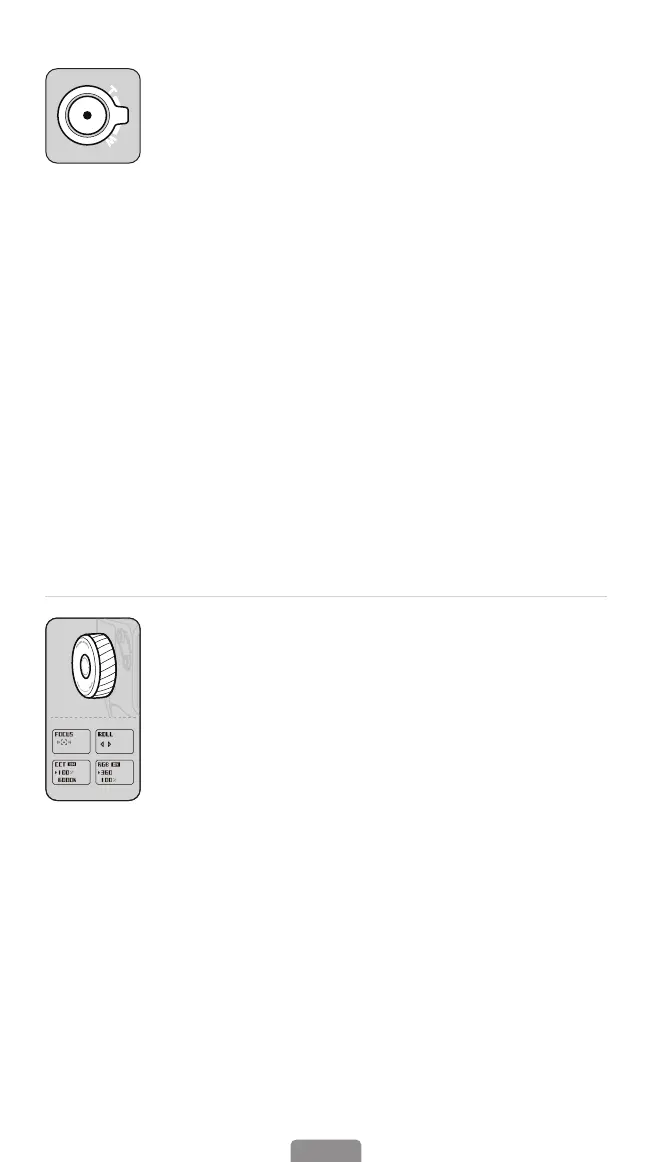
Multifunctional Control Wheel
Press twice: Focus/Roll switch
Roll rotation: +/-45°
Focus: Focus control
(Please make sure that your camera is on the list of supported
devices for control and that the control cable is connected. For
smartphones, it’s only available in the Hohem Joy app and some
Android mobile phones when Bluetooth is connected.)
Press three times: CCT/RGB switch
(Paired with the sold separately ll light with AI tracking sensor)
CCT: Press once the control wheel to adjust color temperature "K"
and brightness"%".
RGB: Press once the control wheel to adjust color value " ° " and
brightness"%".
14



 To Next Page