TLi
IQ
System User Manual 2 – 3
Section 2 – Installation
Printer
Carefully remove the printer and accessories from the shipping carton. Inspect the carton and the printer for visible signs
of damage. If the printer is damaged, immediately contact the carrier and Hologic Customer Service.
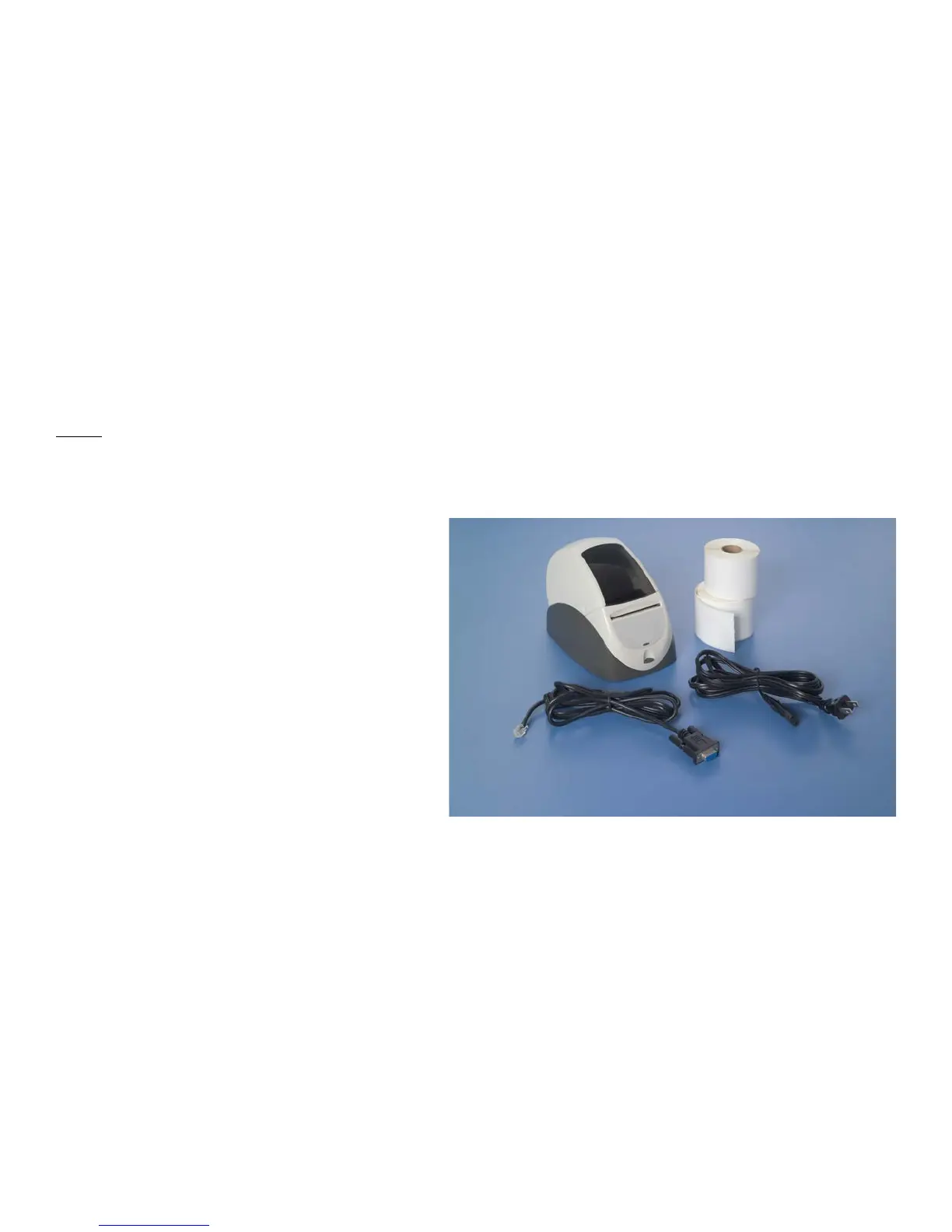
The printer carton should contain the following parts/accessories:
• Printer
• Printer Labels (2 rolls)
• Power Cord
• Printer Cable
NOTE: Retain the shipping carton for future use.
If the printer needs to be shipped, use the
original shipping carton.



 To Next Page