TLi
IQ
System User Manual 2 – 4
Section 2 – Installation
SYSTEM SETUP
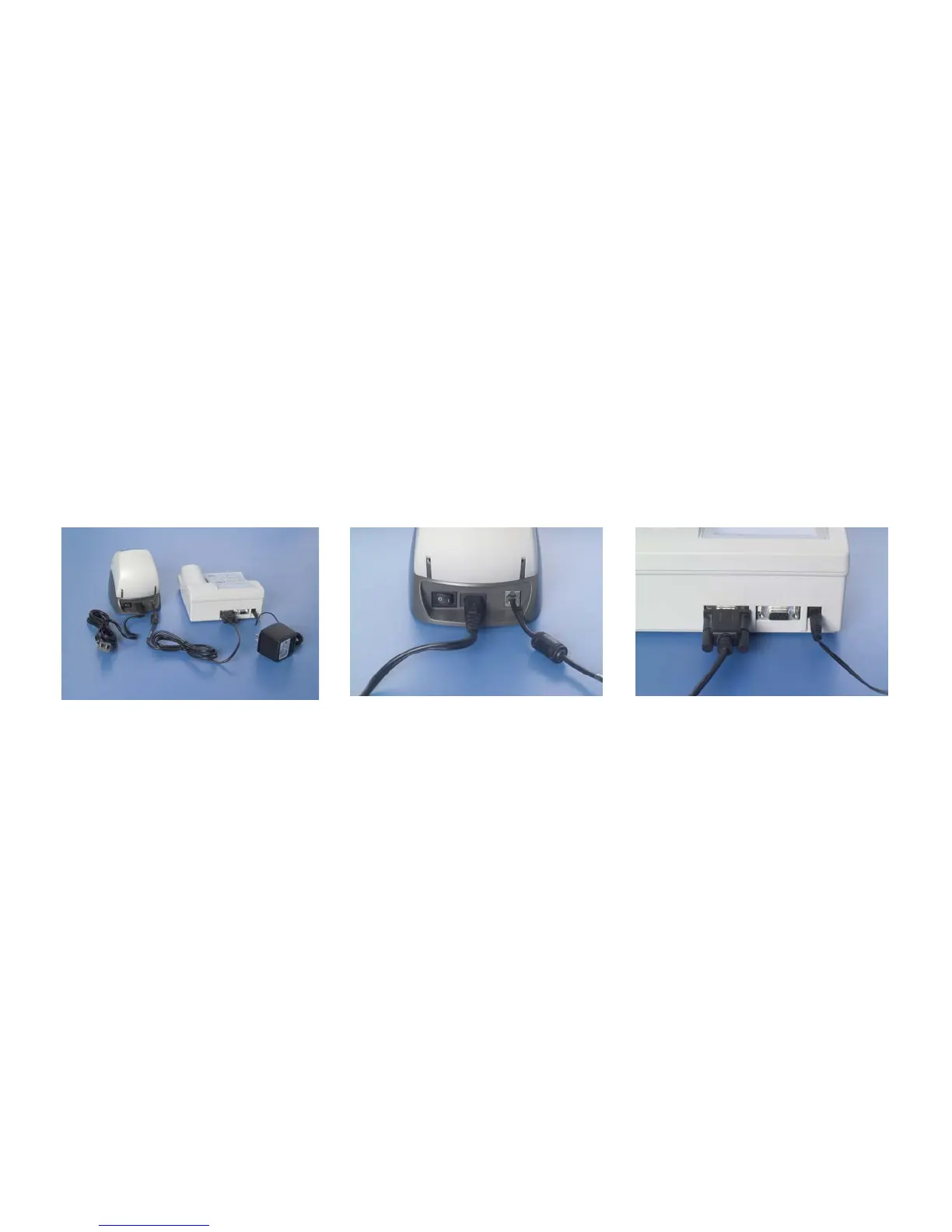
1. The Analyzer and Printer should be placed on a flat, level surface.
2. Connect the 9-pin connector of the printer cable to the analyzer and the modular jack to the printer.
System Printer Analyzer
3. Connect the small connector of the analyzer power adapter to the analyzer and the larger power connector to a
grounded AC electrical outlet. Caution: Only power connectors provided with the TLi
IQ
analyzer and printer may be
used. Any substitutions can result in damage to the TLi
IQ
analyzer and printer.
4. Connect the small connector of the printer power cord to the printer and the larger connector of the power cord to a
grounded AC electrical outlet.



 To Next Page