TLi
IQ
System User Manual 3 − 13
Section 3 – General Operating/Testing Instructions
INCUBATION MODE
The incubation mode may be Internal (incubation timed by analyzer) or External (incubation timed by user). The user
prompts are the same for both modes until the analyzer reaches the “INSERT CASSETTE” screen.
NOTE: The INTERNAL mode is recommended by the manufacturer to ensure proper timing of the assay.
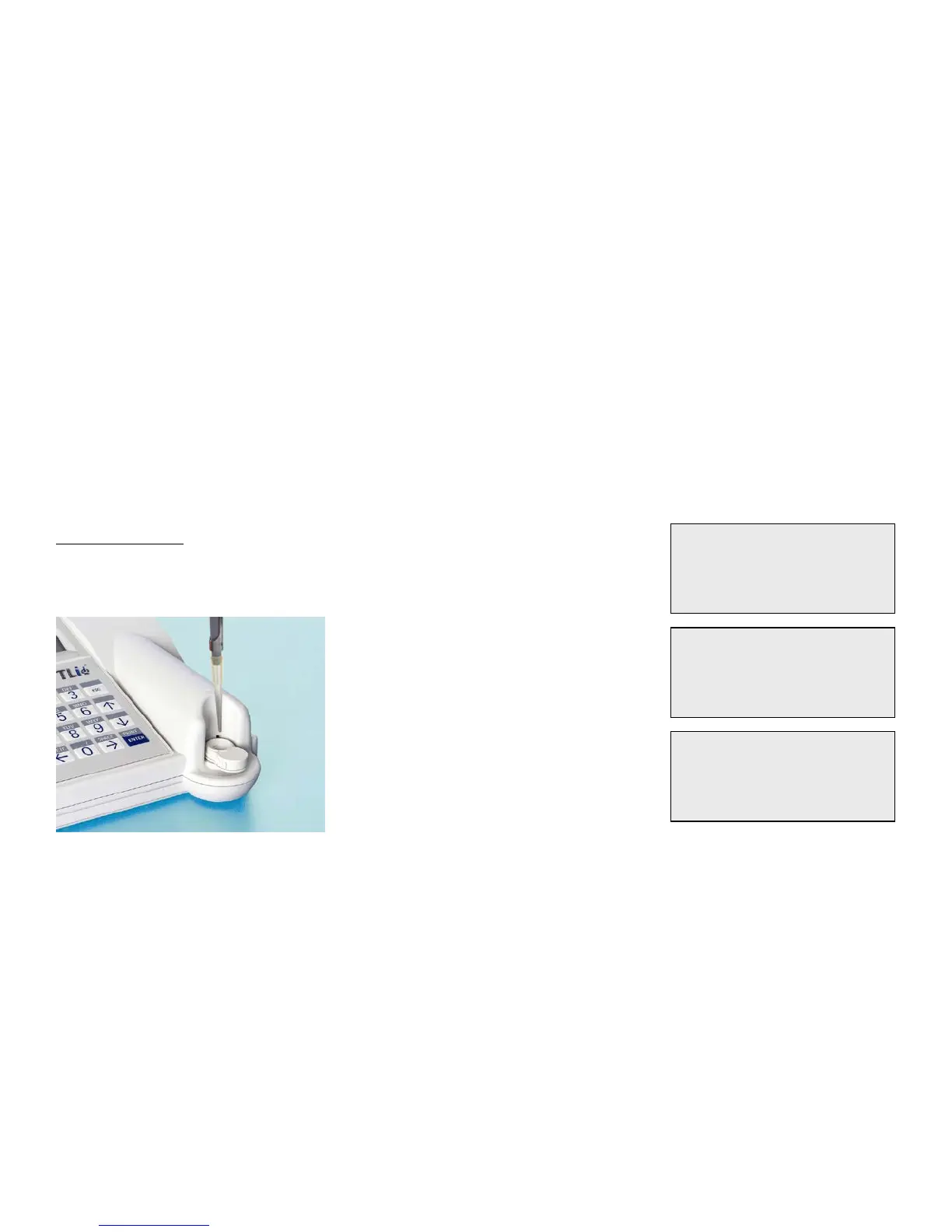
INTERNAL MODE – In this mode, pressing ENTER will prompt the user
to add the sample and the analyzer will automatically complete the test.
If the sample is not added within 2 minutes, the test is invalidated.



 To Next Page