Holtkamp Electronics UNO 7600XL engl. techn. Stand 04.2016 4050_04.2016 V09.2019
- 14 -
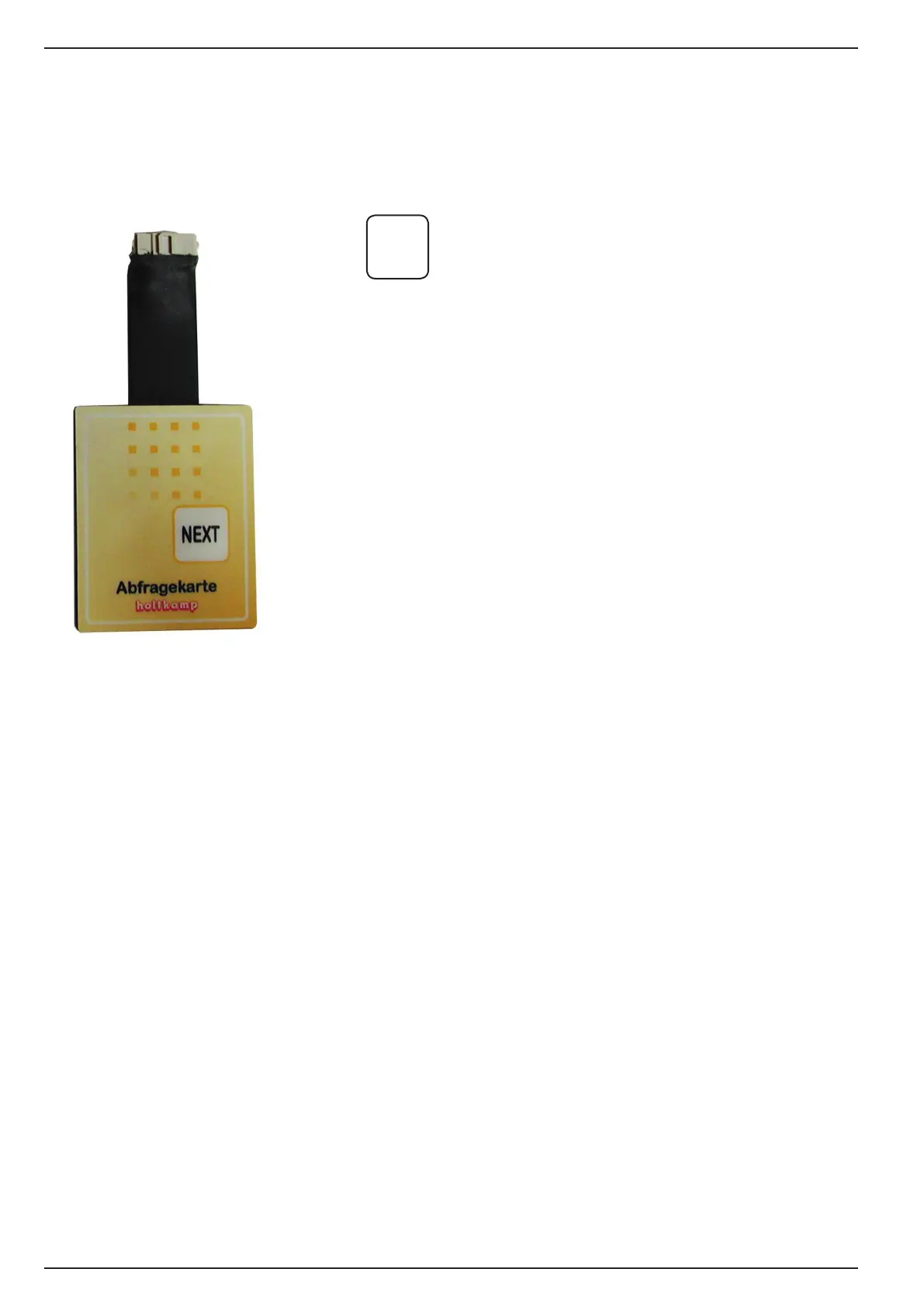
10.2 Request card
With the request card you can read out the counter values only.
Therequestcardisnotincludedthestandardequipmentandyou
mustorderthecardextra,ifitdesired.
NEXT
= YoucallupthecountervaluesthroughactuatedtheNEXT
buttonandtherstcountervalueisindicated.
The following counter values will be indicated through
furtheractuationtheNEXTbutton
11 General at programming
Explanation of programming positions
Thereare5variousmenusintheprogrammingmodeoftheUNO
7600/XL:theTime/price menu,theClock menu,thecongura-
tionmenu,theSummer-/wintertime menu and the Bus con-
guration menu.Youcanleafthroughforwardandbackwardthe
paricularprogrammingpositionsinasmartpassage(autorepeat
function).Youmustinsertthemastercardatrst.Calluptheres-
pectivemenuwithPROGbutton.Isdesiredasmartleafthrough,
youmustactuatetheNEXTbuttonpermanent.
Ifthebuttondepressed,itwillleafthroughforwardinthemenu.
With a short actuation of NEXTbutton(atleast300ms/atmost
850ms)youcanleafthroughbackward.Ifyouactuatedthebut-
tonshortinadvanceandleafthroughbackward,theautorepeat
takesplacebackward.WithashortpushoftheNEXT button you
canleafthroughforewardagain.Whichprogrammingpositions
youndinwhichmenuandwhatitmean,willbeexplainedinthe
following chapters.


 To Next Page