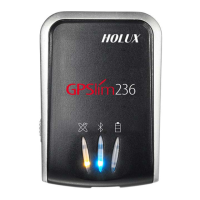
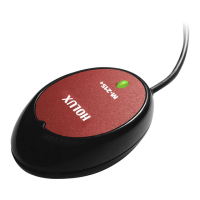
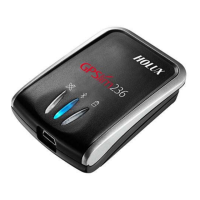
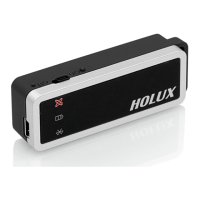
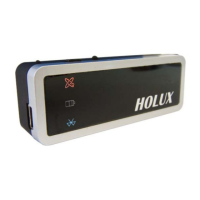
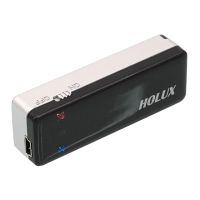
HOLUX GPSlim240 Wireless Bluetooth GPS Receiver User Guide
14
5.2. Bluetooth Installation
Follow the instructions below to link your Bluetooth GPS Receiver to a PDA
(Personal Digital Assistant).
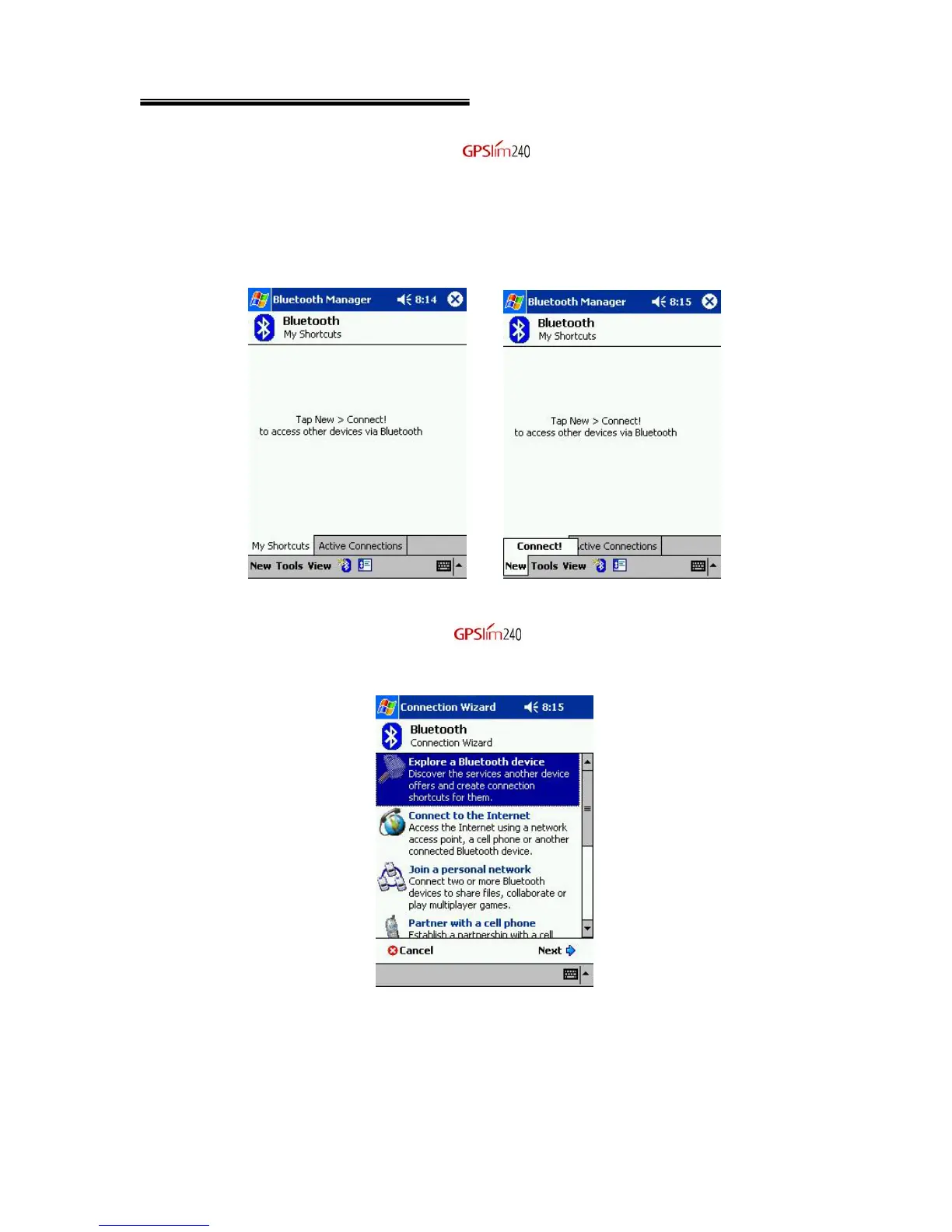
1. Activate “Bluetooth Manager” on your pocket PC. Tap New, Connect, to
access other devices via Bluetooth.
2. Search Bluetooth device “Holux ”. Select Explore a Bluetooth
device, and tap Next.


 To Next Page