6. STARTING THE ENGINE (TILLER HANDLE TYPE)
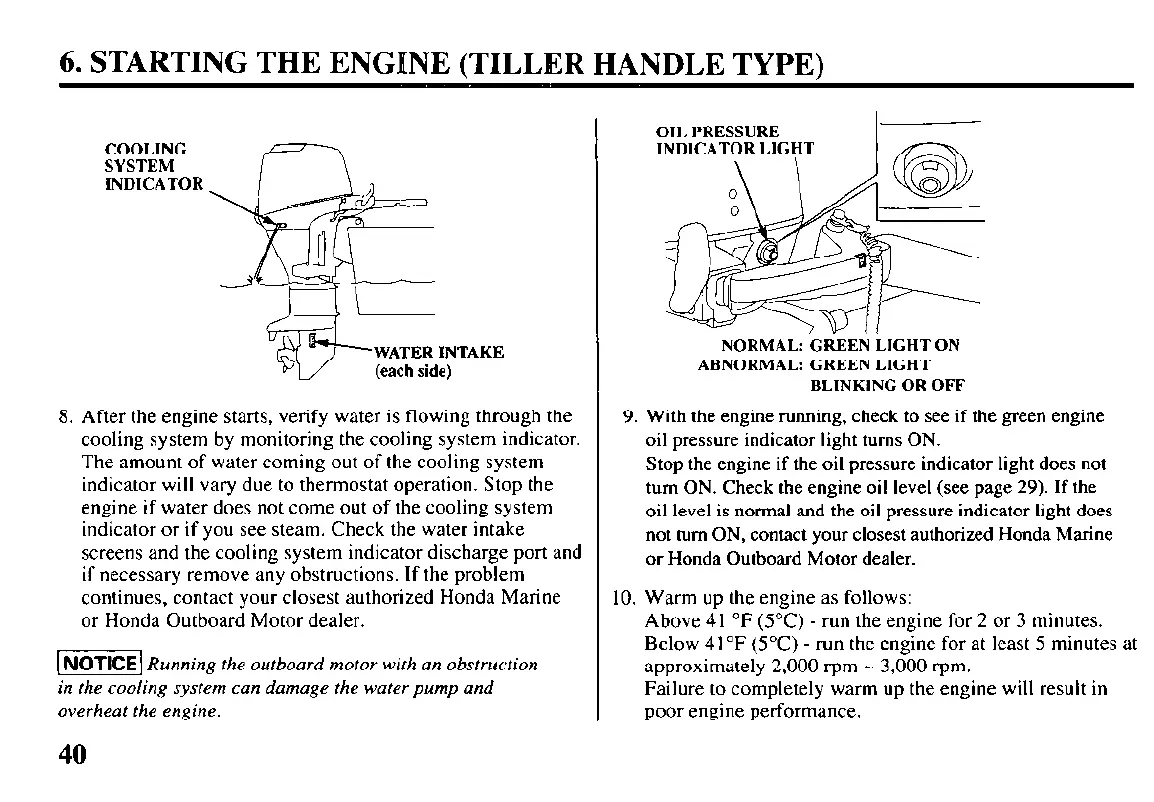
COOLING
SYSTEM
INDICATOR
WATER INTAKE
(each side)
8. After the engine starts, verify water is flowing through the
cooling system by monitoring the cooling system indicator.
The amount of water coming out of the cooling system
indicator will vary due to thermostat operation. Stop the
engine if water does not come out of the cooling system
indicator or if you see steam. Check the water intake
screens and the cooling system indicator discharge port and
if necessary remove any obstructions. If the problem
continues, contact your closest authorized Honda Marine
or Honda Outboard Motor dealer.
(1 Running the outboard motor with an obstruction
in the cooling system can damage the water pump and
overheat the engine.
NORMAL: ‘GREEN LIGHT ON
ABNORMAL: GREEN LIGHT
BLINKING OR OFF
9. With the engine running, check to see if the green engine
oil pressure indicator light turns ON.
Stop the engine if the oil pressure indicator light does not
turn ON. Check the engine oil level (see page 29). If the
oil level is normal and the oil pressure indicator light does
not turn ON, contact your closest authorized Honda Marine
or Honda Outboard Motor dealer.
IO. Warm up the engine as follows:
Above 41 “F (5°C) - run the engine for 2 or 3 minutes.
Below 4 I “F (SOC) - run the engine for at least 5 minutes at
approximately 2,000 rpm - 3,000 ‘pm.
Failure to completely warm up the engine will result in
poor engine performance.
40



 To Next Page