57
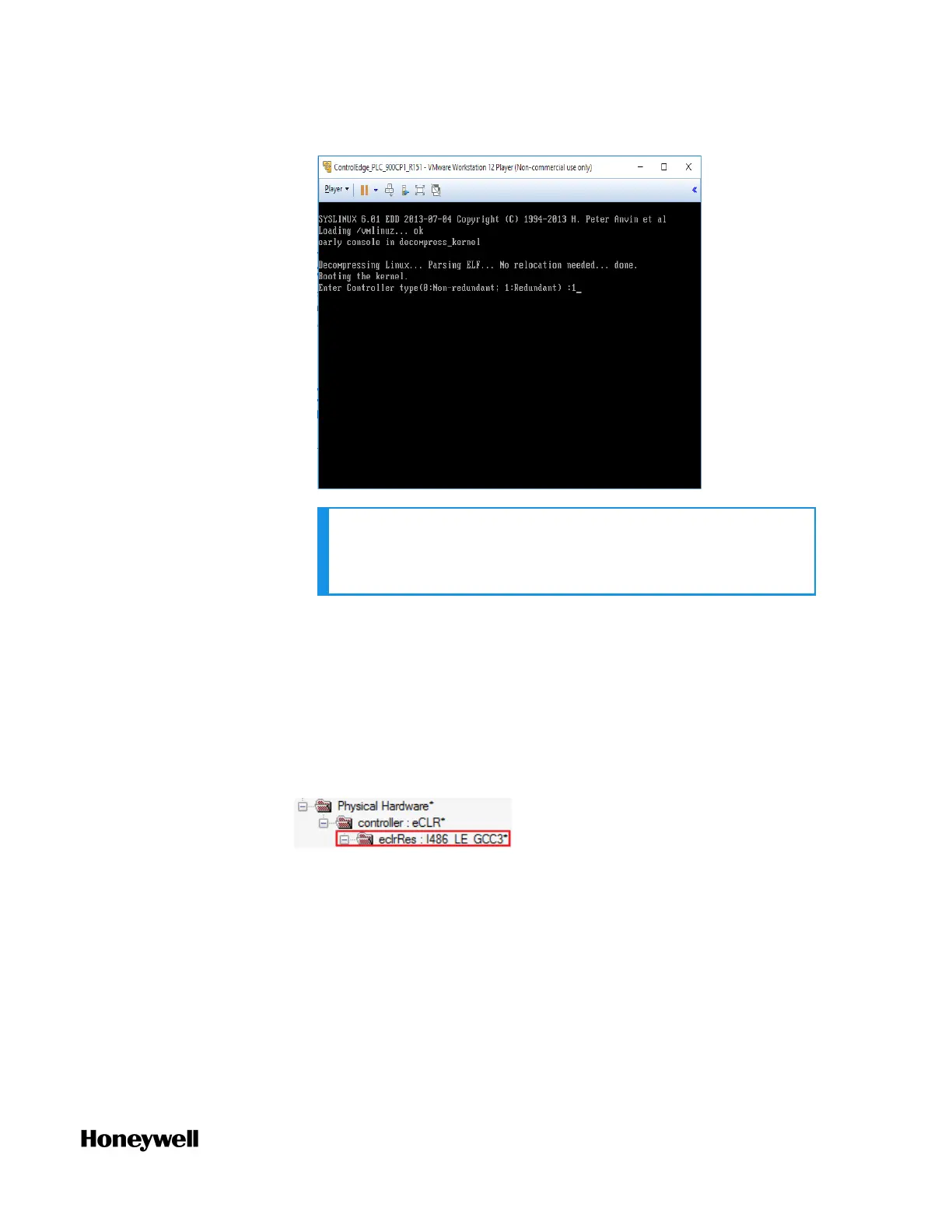
NOTE: The controller type cannot be changed once you
configure it, and you should re-import the OVA file and
configure it again.
An OVA file defines a controller simulator. To change the
controller simulator version, import the corresponding OVA file.
For more information, see the vendor's documents.
3. Connect to a controller simulator. See "Connecting a controller"
on page1 for more information.
After you connect to a controller simulator, make sure the build
settings is I486_LE_GCC3. Click IEC Programming Workspace and
check the following parameter:
4. Configure a controller simulator. See the table above for the
supported configuration. Project version must match with the
controller simulator version.
5. Compile the project. See "Compiling a project" on page1 for more
information.
6. Download the project to the controller simulator. See
"Downloading a project to the controller" on page1 for more
information.
Chapter 4 - Software



 To Next Page
 Loading...