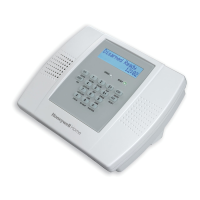
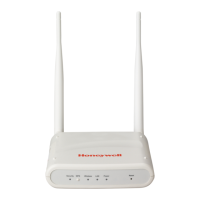
Fig. 11. Wall mounting of FDAP Gen3 and FDAP Gen3 Anchor
Table. 5. Part number description
FDAP2
The assembled FDAP2, along with antennas and lightning suppressors (if required) can be
mounted in the site location. The FDAP2 enclosure can be mounted on a 2-inch pole or on
a wall using the appropriate optional mounting kit that is available with the unit.
Pole mounting
When pole mounting the FDAP2, you can assemble and install the mounting hardware at
the site. The mounting kit includes the following items:
1. Mounting plate
2. U-bolts with nuts
3. Screws (to attach the FDAP2 to the mounting plate)
When using the mounting plate for the pole installation, secure the FDAP2 to the bracket
using the screws supplied with the bracket kit. The FDAP2 can be mounted to the left or to
the right of the pole using the same mounting hardware. It can also be mounted in line
with the pole. However, if the integral antennas are too close to the pole, it may cause RF
communication problems. For inline mounting, the FDAP2 integral antennas should be on
the top of the mounting pole.


 To Next Page
 Loading...