Indicates the RS-485 port’s activity.
The LED blinks when there is data activity on the RS-485 port.
FDAP2
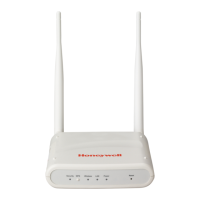
The FDAP2 has status LEDs to indicate the various stages of operation.
Fig. 19. LED indicators
The following table identifies the LEDs and describes the operating conditions of the unit
when the LEDs are turned ON.
Table. 9. LED indicators
Indicates that the power is supplied to FDAP2. When the FDAP2 is
powered ON, the Power LED turns ON automatically.
Status
LED/Heartbeat LED
(Green)
Indicates the software status of FDAP2 factory image. The Status LED
blinks ON/OFF once every second to indicate that the FDAP2 factory
firmware is in the working condition.
Indicates the Ethernet link activity.
The LED is steady when there is a valid Ethernet link but no data
activity.
The LED blinks when there is data activity on the Ethernet link.


 To Next Page
 Loading...