1 - 3
Connecting with RS485
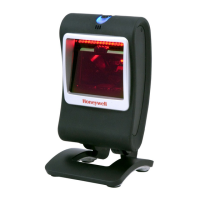
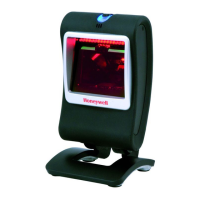
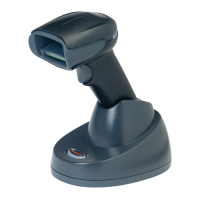
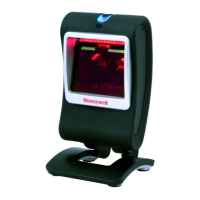
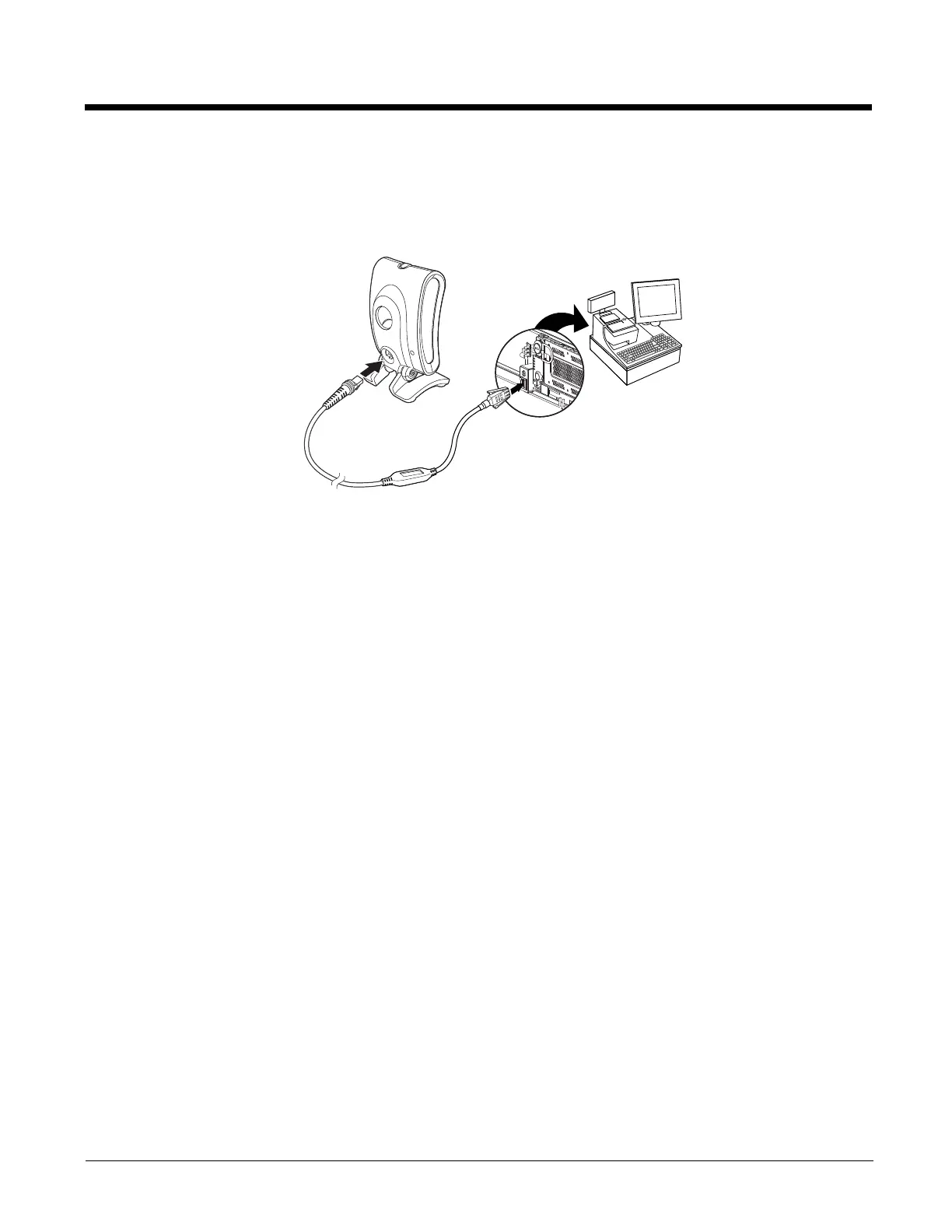
A Genesis scanner can be connected for an IBM POS terminal interface.
1. Connect the appropriate interface cable to the device, then to the computer.
2. Turn the terminal/computer power back on. The scanner beeps.
3. Verify the scanner operation by scanning a bar code from the Sample Symbols in the back of this manual. The scanner
beeps once.
For further RS485 settings, refer to RS485, page 2-2.
Connecting with EAS
A Genesis scanner can be connected to a Checkpoint EAS system.
Refer to EAS Settings beginning on page 7-1 for configuration codes and further EAS programming information.


 To Next Page
 Loading...