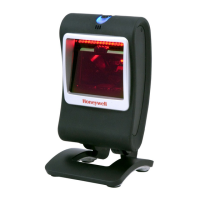
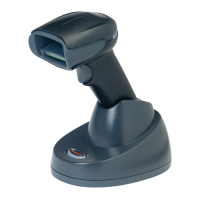
1 - 5
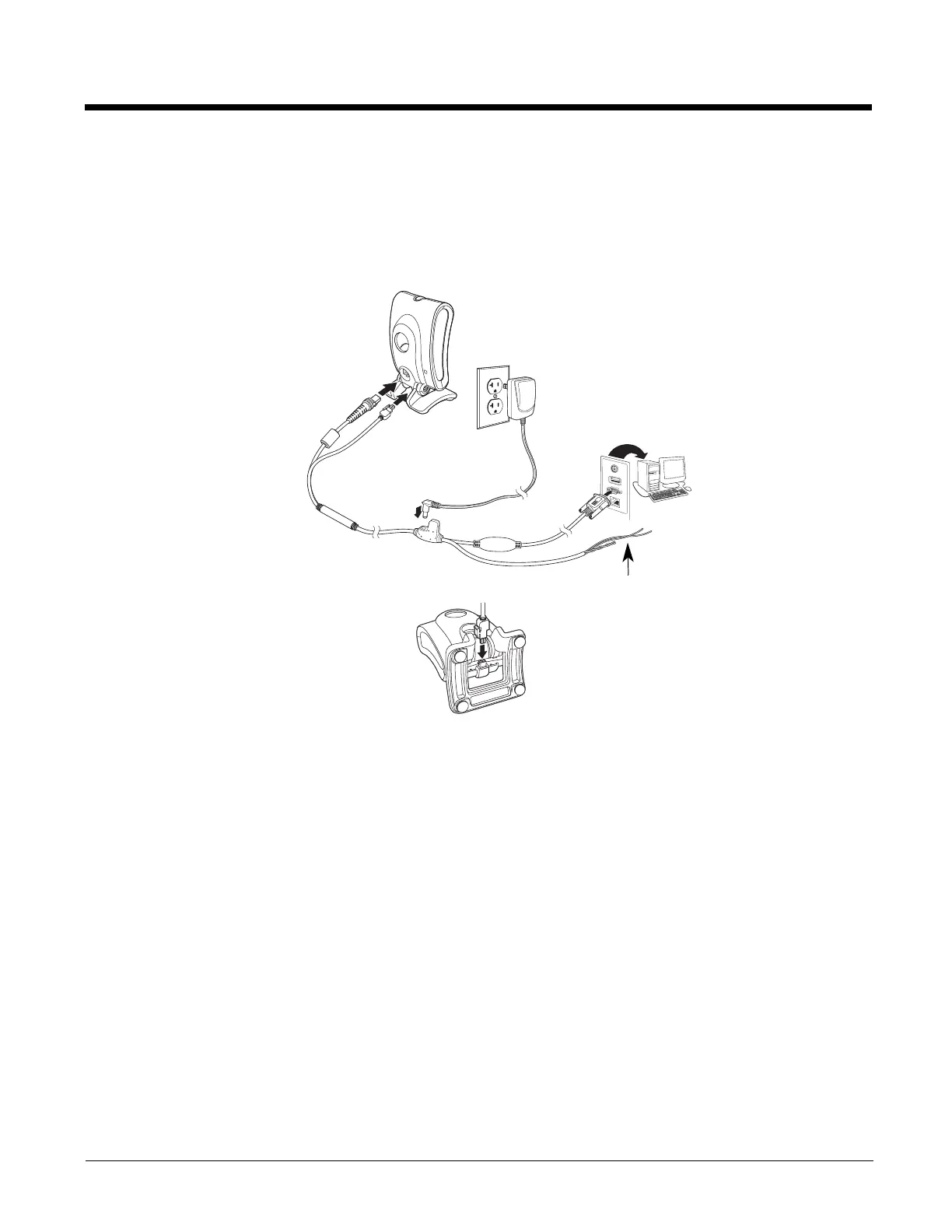
RS232 Interface with EAS
1. Turn off power to the terminal/computer.
2. Connect the appropriate interface and EAS cable to the device, and then to the computer.
Note: For the scanner to work properly, you must have the correct cable for your type of terminal/computer.
3. Plug the serial connector into the serial port on your computer. Tighten the two screws to secure the connector to
the port.
4. Once the scanner has been fully connected, power up the computer.
This interface programs 115,200 baud, 8 data bits, no parity, and 1 stop bit.
Reading Techniques
Present the bar code to the scanner. The LEDs turn up to read the code. If the light level in the room is not high enough, the
code may not be read.
Menu Bar Code Security Settings
Honeywell scanners are programmed by scanning menu bar codes or by sending serial commands to the scanner. If you want
to restrict the ability to scan menu codes, you can use the Menu Bar Code Security settings. Please contact the nearest techni-
cal support office (see Technical Assistance on page 14-1) for further information.
RS232 with EAS Connection:
Close-up of EAS
Connection:
Checkpoint
Wires


 To Next Page
 Loading...