Configuring Camera Settings
31
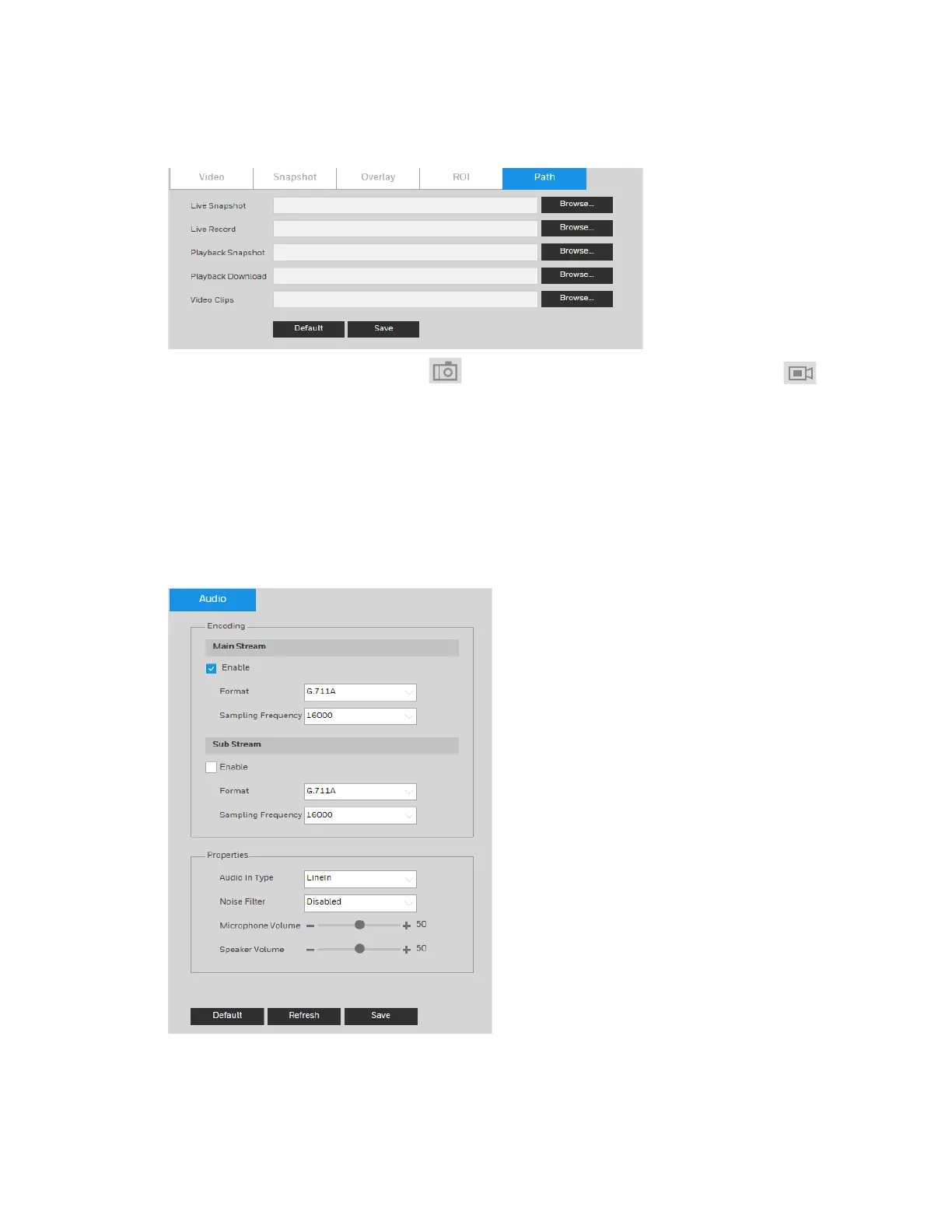
Figure 5-8 Storage Path
Set the storage path for snapshots ( in the live interface) and for recorded video ( in
the live interface). Click Browse to select a storage path for snapshots and recorded videos.
Click Save to save any changes to the storage paths.
Configuring Audio Settings
Go to Setup Camera Setup Audio.
Figure 5-9 Audio
To enable audio for the stream, select the Enable check box, select the format (G.711A,
G.711Mu, G.726, AAC), and then select a sampling frequency (8–64 kHz).



 To Next Page
 Loading...




