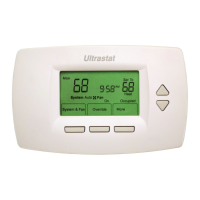
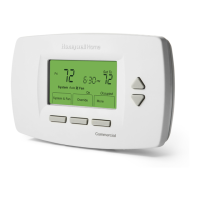
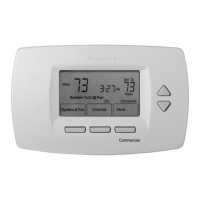
TB7300 SERIES COMMUNICATING FAN COIL THERMOSTATS
62-2018—05 12
LOCAL SETPOINT ADJUSTMENT WHEN “STP FUNC” = DUAL STP
(DUAL OCCUPIED SETPOINTS ADJUSTMENT)
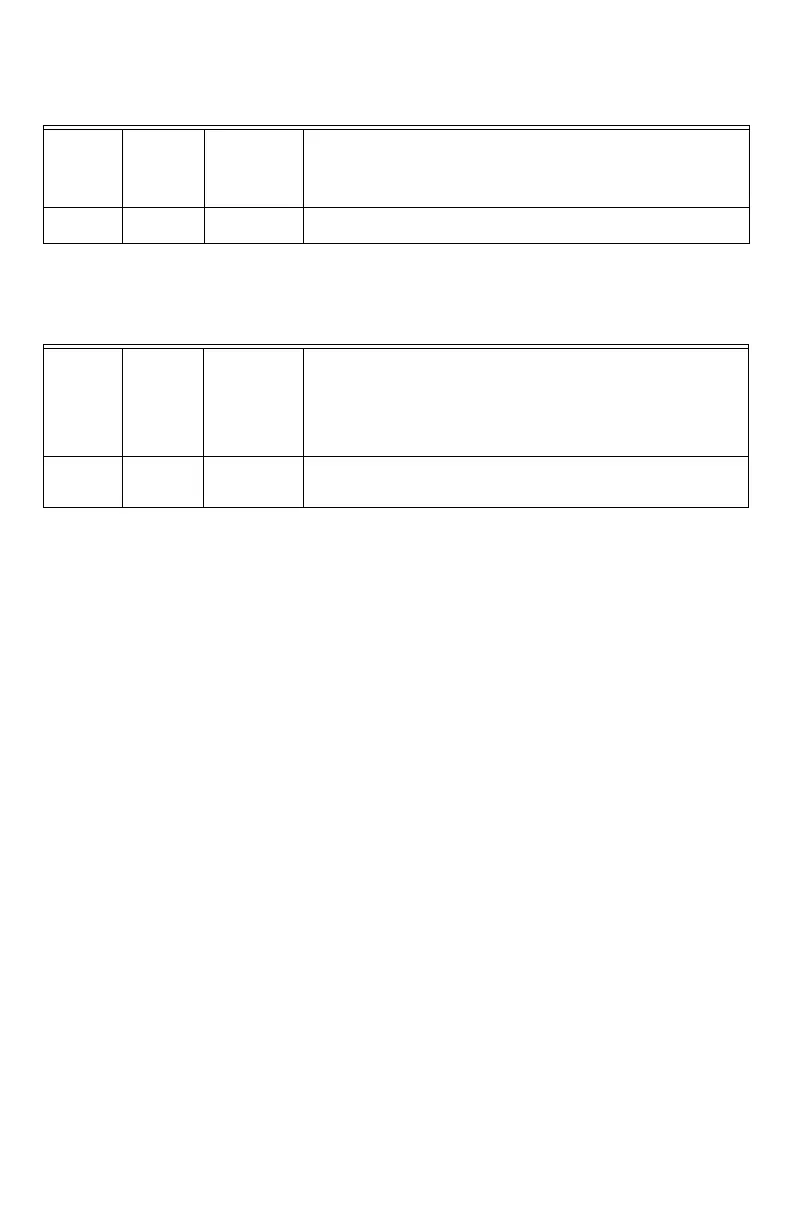
Table 5. Occupied setpoint adjustments
Heat/Cool setpoint toggle with MODE button is active only in AUTO mode.
If cooling, heating or off mode are active, this function is disabled
LOCAL SETPOINT ADJUSTMENT WHEN “STP FUNC” = ATTCHSTP
(SINGLE OCCUPIED SETPOINT ADJUSTMENT)
Table 6. Occupied setpoint adjustments
Unoccupied and Stand-By setpoints adjustments
Setting the stand-by and unoccupied setpoints is done through the network or through configuration setup only.
Cooling
mode
Heating
mode Off mode
Auto Mode
• Setpoint presented to user is the setpoint from the last action taken by
the thermostat or the one currently in use.
• If the other setpoint is the one desired, then the MODE button is used
to toggle between the current displayed one and the other.
Cool XX.X
°F or °C
Heat XX.X
°F or °C
No access to
setpoint
Cool XX.X °F or °C or Heat XX.X °F or °C
Toggle to (Heat or Cool) with MODE button
Cooling
mode
Heating
mode Off mode
Auto Mode
• Setpoint presented to user is the setpoint from the last action taken by
the thermostat or the one currently in use.
• Both heating and cooling setpoints are changed simultaneously while
respecting the minimum configured deadband.
• If the other setpoint is the one desired, then the MODE button is used
to toggle between the current displayed one and the other.
Cool XX.X
°F or °C
Heat XX.X
°F or °C
No access to
setpoint
Cool XX.X °F or °C and Heat XX.X °F or °C
Both heating and cooling setpoints are change simultaneously.
Toggle to (Heat or Cool) with MODE button.




 To Next Page