6 - 1
6
External Input / Output
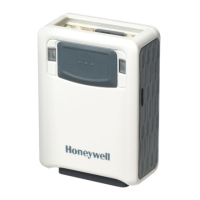
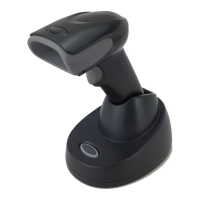
The Vuquest 3330 scanner can be integrated with a variety of third party devices. The External Trigger and Illumination Con-
trols can be configured using the bar codes in this chapter. These controls offer simple trigger signals. An External I/O license
and cable are required; contact the nearest technical support office for further information (see (see Technical Assistance on
page -ix).
External Input
External Trigger Control
The External Trigger Control allows object detection from the third party device to trigger the scanner. If you want to use
the third party device object detection, scan the External Trigger Control On bar code. If you want to use the 3330 scan-
ner object detection, scan the External Trigger Control Off bar code. Default = External Trigger Control Off.
External Trigger Polarity
External Trigger Polarity has two states, High and Low. A digital high polarity is 1 and a digital low polarity is 0. If the third
party device triggers on low polarity, 0, scan the External Trigger Polarity Low bar code. Default = External Trigger Polar-
ity High.
* External Trigger Control Off
External Trigger Control On
* External Trigger Polarity High
External Trigger Polarity Low


 To Next Page
 Loading...