Getting Staed
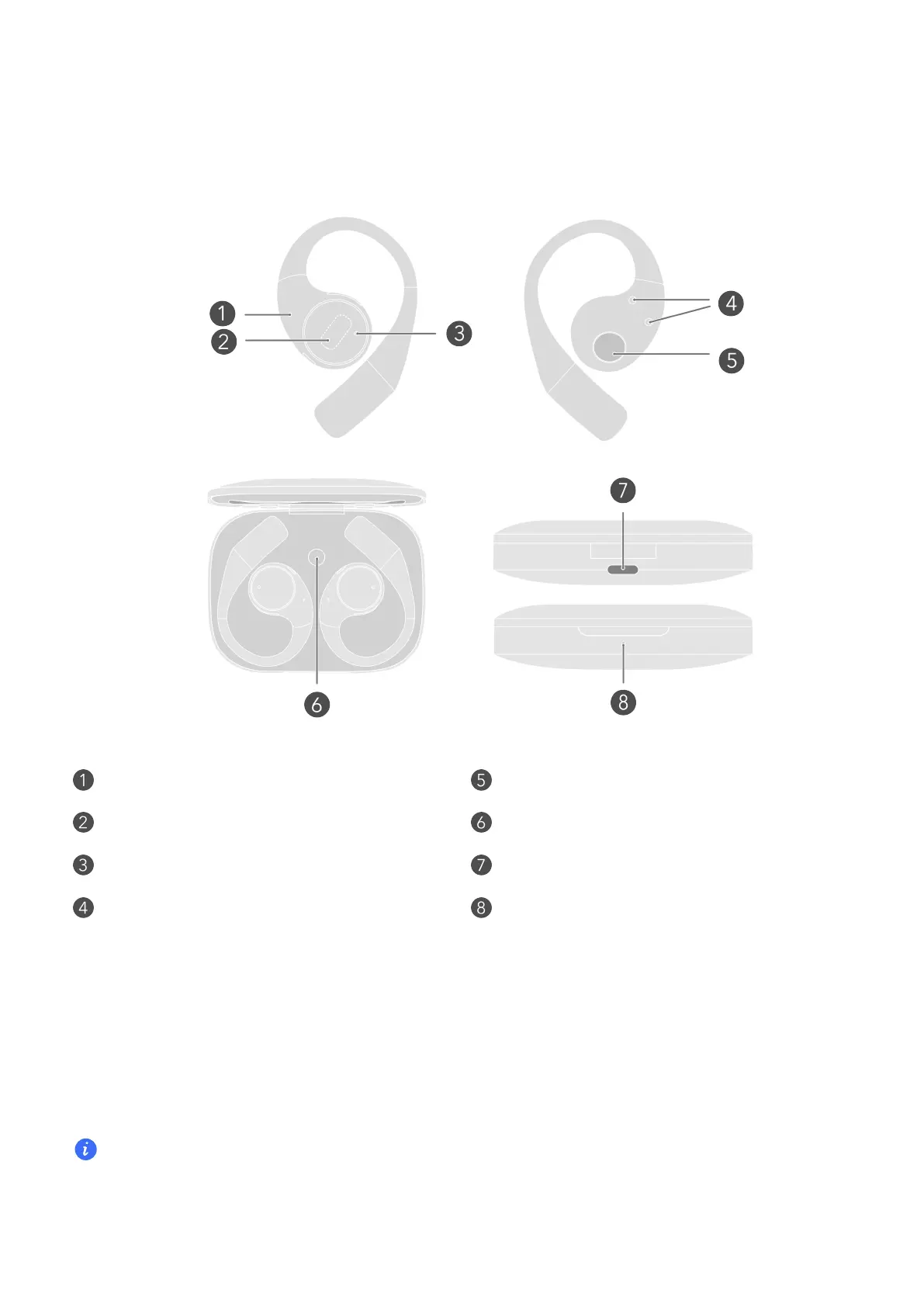
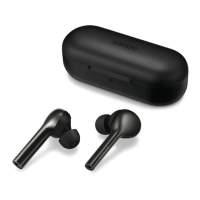
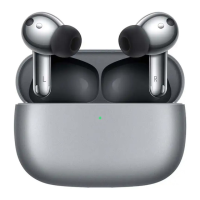
Appearance
Prima MIC Sound hole
Touch control area Function button
Seconda MIC USB-C po
Charging PAD Indicator light
Pair by Bluetooth
1 Rest the earbuds in the case, keep the lid open, and press the function button for 2
seconds. White light blinking indicates the earbuds enter the pairing mode.
2 Enable Bluetooth on the device that is to pair with the earbuds. Search for and connect
with the earbuds.
e rst time you open the case lid, the earbuds enter the pairing mode automatically.
1


 To Next Page