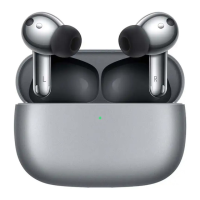
Charge the charging case
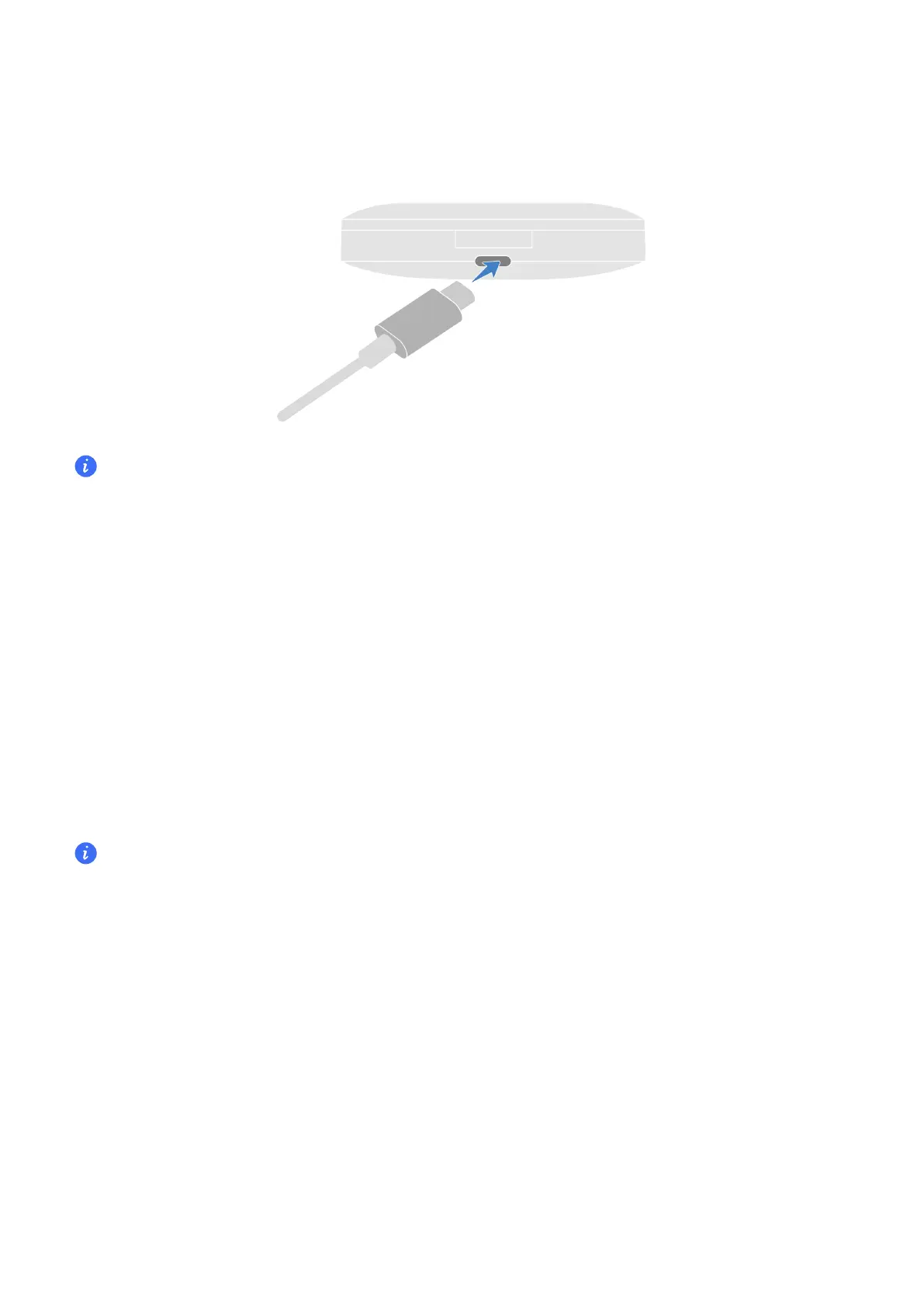
Use the USB-C charging cable to charge the case.
When the charging case is charging, the indicator light on it is always on, which indicates that
the charging works ne.
Discover nearby earbuds
Some phones/tablets (MagicUI 6.0 and above) can discover and connect to nearby
earbuds.
1
Enable Bluetooth on the phone/tablet.
2
Turn on the earbuds/Open the lid of the case on the rst use, or rest the earbuds in the
case, keep the lid open, and press the function button for 2 seconds. White light
blinking indicates the earbuds enter the pairing mode.
3
Keep the lid open and bring the case close to the phone/tablet. A connection window
will appear. Follow the on-screen instructions to complete the connection.
If the devices have been paired before, the earbuds will be automatically reconnected and a
power level inteace will pop up on the phone/tablet.
Auto-reconnect
In an open and distraction-free environment, the eective range of the earbuds is 10
meters for music and calls.
Beyond this range, the earbuds will stutter, become silent, or be disconnected. ey will be
automatically reconnected if you return to the optimal range (10m) within the required
time.
If Auto-reconnect fails, you can reconnect in the following ways:
• Turn o Bluetooth on your phone/tablet and turn it back on. Pair the earbuds again.
• Put the earbuds in the case, close the lid, and reopen it.
Getting
Staed
6


 To Next Page