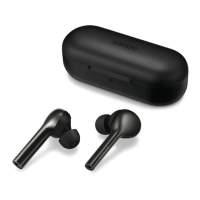
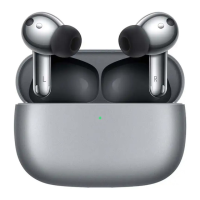
Add earbuds via HONOR AI Space
1
Open HONOR AI Space and log in to HONOR ID.
2
Rest the earbuds in the case, keep the lid open, and press the function button for 2
seconds. White light blinking indicates the earbuds enter the pairing mode.
3
Enable Bluetooth on the phone/tablet. Tap + > Add devices in the upper right corner of
the app home page.
4
When the earbuds are found, tap Connect to add.
5
When the earbuds are added, you can view the earbuds on the home page, learn about
earbuds functions and change the settings.
If the earbuds are not found, tap Add manually and follow the on-screen instructions to add
manually.
Charge
Charge the earbuds
Put the earbuds into the charging case and close the lid. e charging case automatically
charges the earbuds.
e earbuds are not charged when the lid is open.
Getting Staed
5



 To Next Page