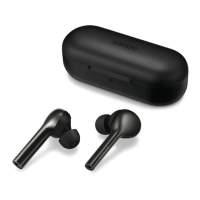
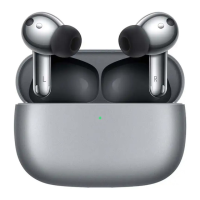
Restore facto settings: Rest the earbuds in the case, keep the lid open, and press the
function button for 6 seconds. Red light blinking indicates the earbuds are restored to facto
settings and the earbuds re-enter the pairing mode.
Put on the earbuds
1
Take out the earbuds and place them above your ears. Rotate them along your outer
ears to the appropriate position, then inse the ear tips into your ears.
2
Gently press the ear tips and rotate the ear hooks back and foh until they fully
conform to your outer ears to complete the wearing process.
Prima
MIC Sound hole
Getting Staed
2



 To Next Page