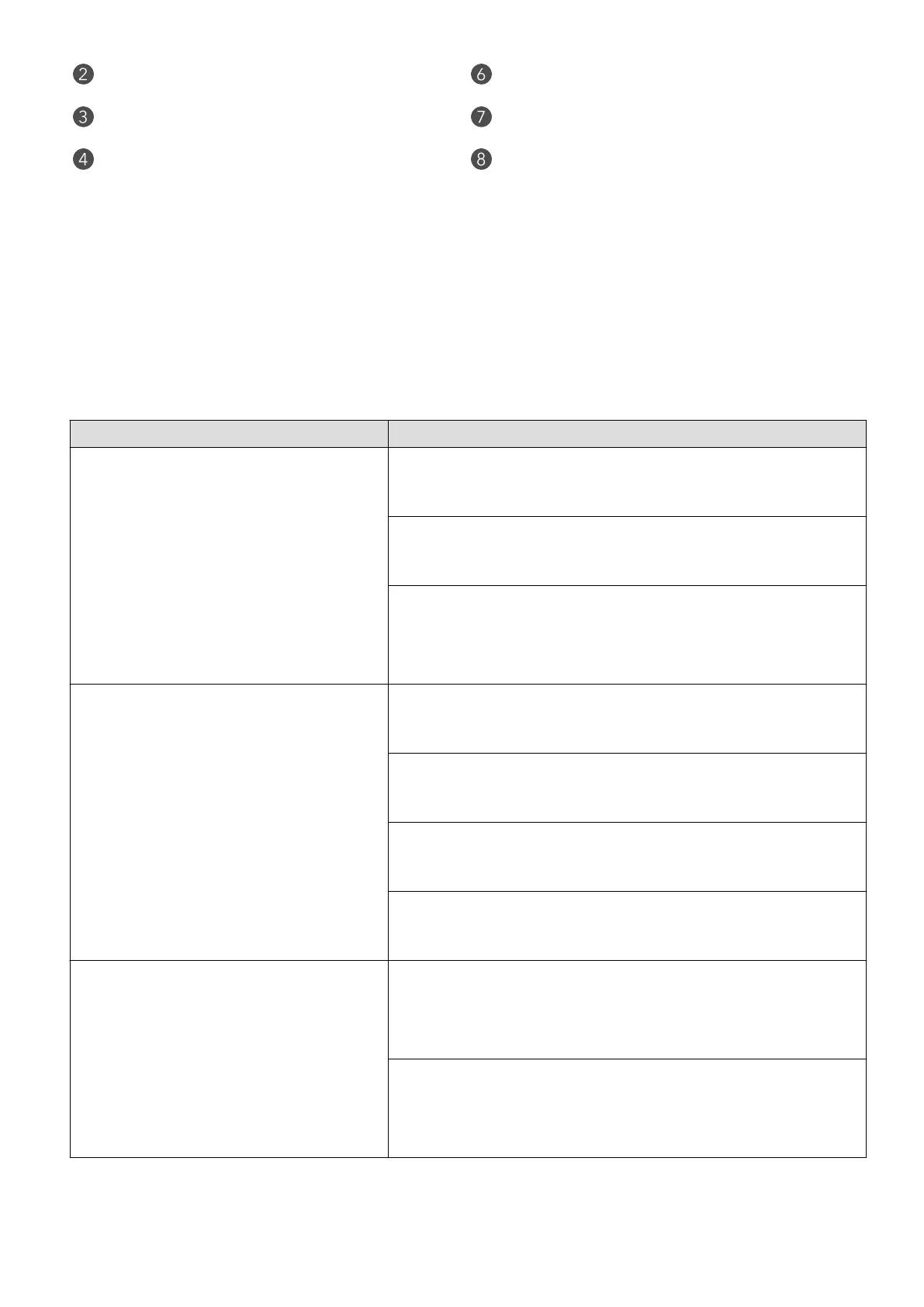
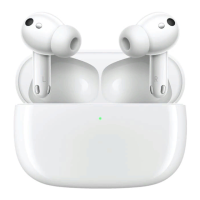
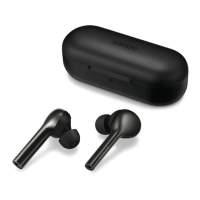
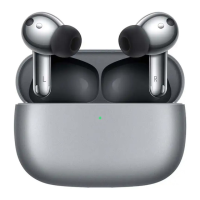
Touch control area Function button
Seconda MIC USB-C po
Charging PAD Indicator light
Indicator light
You can tell the power level in the earbuds and the charging case by the indicator light.
e charging case has an external indicator light. When the lid is open, one earbud is in
the case, it shows the power of that earbud. When two are in the case, it shows the power
of the one with lesser power. If neither is in the case or the case is closed, it shows the
power of the case.
Operation Indicator light
Charging the case
Green light always on:
e case is being charged (≥ 90% power left)
Yellow light always on:
e case is being charged (< 90% power left)
Light out:
e indicator light goes out when the charger is
disconnected.
Open the lid
Green light on for 10 seconds and then o:
High power level (≥ 60%)
Yellow light on for 10 seconds and then o:
Medium power level (20%-60%)
Red light on for 10 seconds and then o:
Low power level (< 20%)
Light not on:
e case is out of power.
Press the function button
White light blinking:
When both earbuds are in the case, press and hold
the button for 2 seconds to enter the pairing mode.
Red light blinking:
When both earbuds are in the case, press and hold
the button for 6 seconds to restore facto settings.
Getting Staed
3


 To Next Page