Dragging can only be done towards empty areas on your screen. Please be aware that some
apps may may not the feature.
Edit Quick Access to Atomic
When expanded, long press the card, then tap Edit to access the following
operations:
• Long press a quick access in the Display list to adjust its order.
• Drag a quick access from the Hide list to Display list, or vice versa, to change its visibility.
Personalize Folder Icon Sizes
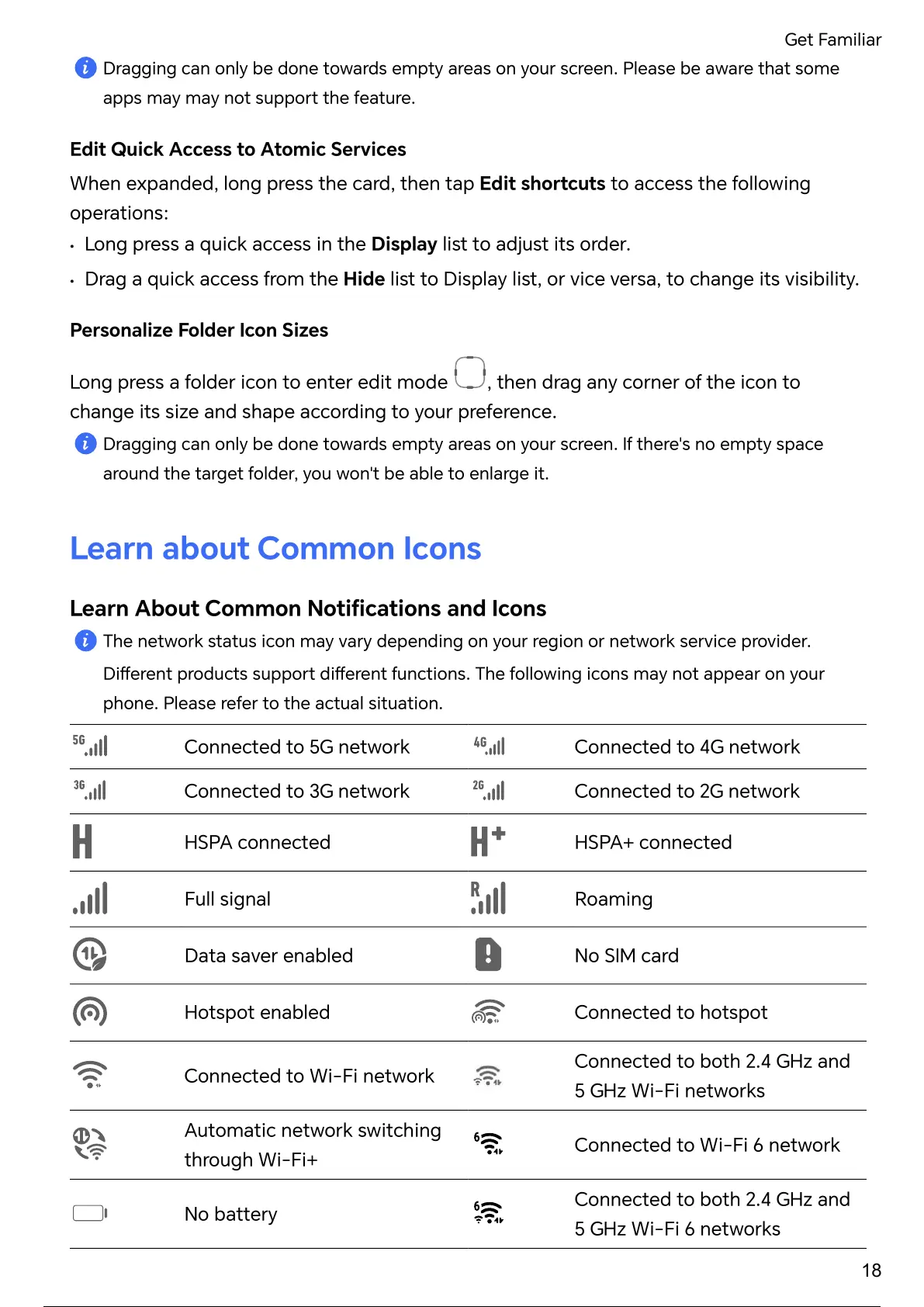
Long press a folder icon to enter edit mode
, then drag any corner of the icon to
change its size and shape according to your preference.
Dragging can only be done towards empty areas on your screen. If there's no empty space
around the target folder, you won't be able to enlarge it.
Learn about Common Icons
Learn About Common and Icons
network status icon may depending on your region or network provider.
products functions. following icons may not appear on your
phone. Please refer to the actual situation.
Connected to 5G network Connected to 4G network
Connected to 3G network Connected to 2G network
HSPA connected HSPA+ connected
Full signal Roaming
Data saver enabled No SIM card
Hotspot enabled Connected to hotspot
Connected to Wi-Fi network
Connected to both 2.4 GHz and
5 GHz Wi-Fi networks
Automatic network switching
through Wi-Fi+
Connected to Wi-Fi 6 network
No
Connected to both 2.4 GHz and
5 GHz Wi-Fi 6 networks
Get Familiar
18
23 / 182 22 / 180 23 / 182 22 / 180 23 / 182 22 / 180 23 / 182 22 / 180 23 / 182



 To Next Page