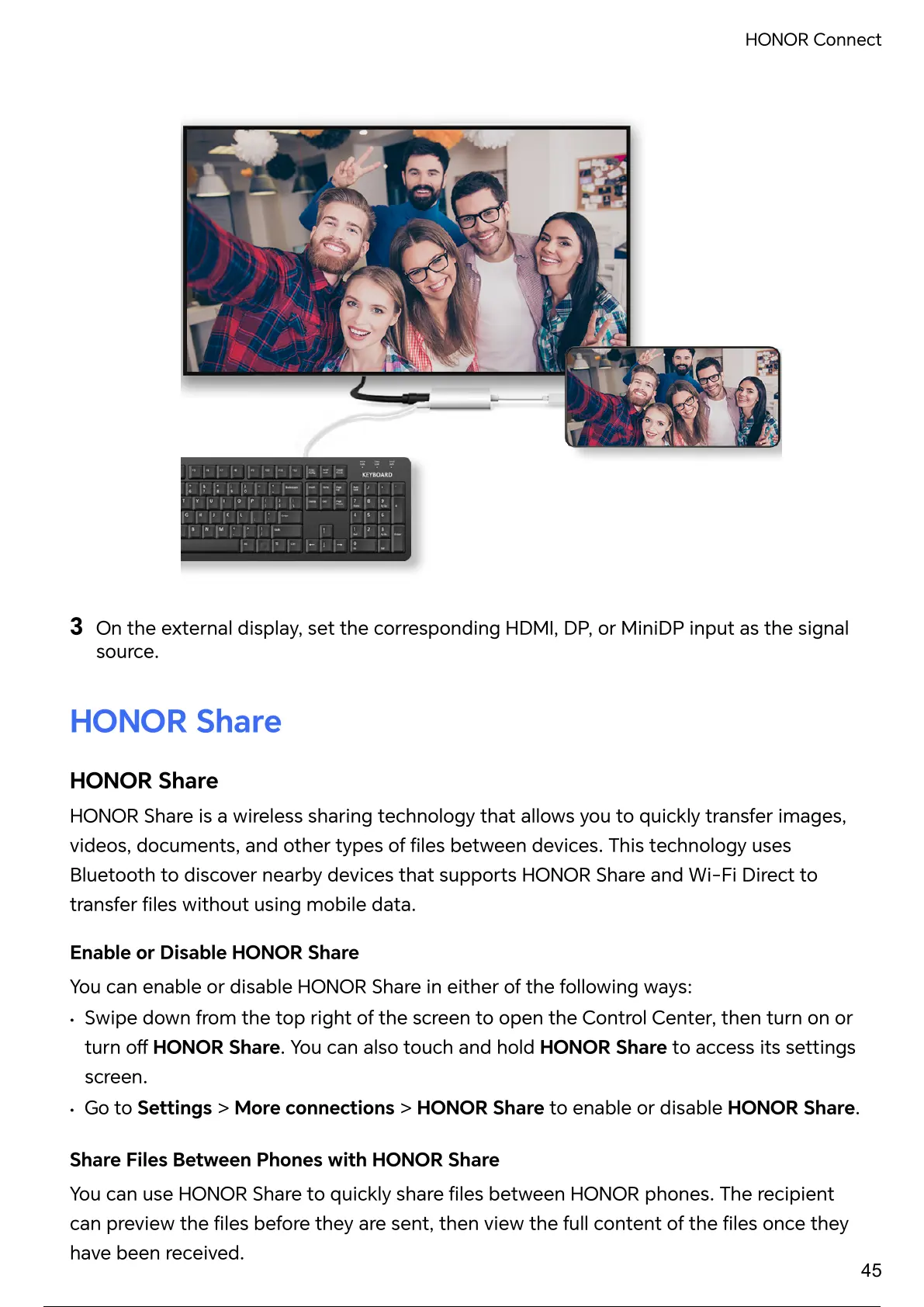
3
On the external display, set the corresponding HDMI, DP, or MiniDP input as the signal
source.
HONOR Share
HONOR Share
HONOR Share is a wireless sharing technology that allows you to quickly transfer images,
videos, documents, and other types of between devices. technology uses
Bluetooth to discover nearby devices that HONOR Share and Wi-Fi Direct to
transfer without using mobile data.
Enable or Disable HONOR Share
You can enable or disable HONOR Share in either of the following ways:
• Swipe down from the top right of the screen to open the Control Center, then turn on or
turn HONOR Share. You can also touch and hold HONOR Share to access its settings
screen.
• Go to Settings > More connections > HONOR Share to enable or disable HONOR Share.
Share Files Between Phones with HONOR Share
You can use HONOR Share to quickly share between HONOR phones. recipient
can preview the before they are sent, then view the full content of the once they
have been received.
HONOR Connect
45
50 / 182 49 / 180 50 / 182 49 / 180 50 / 182 49 / 180 50 / 182 49 / 180 50 / 182



 To Next Page