10
2
Phone call
2.1
Making a Call
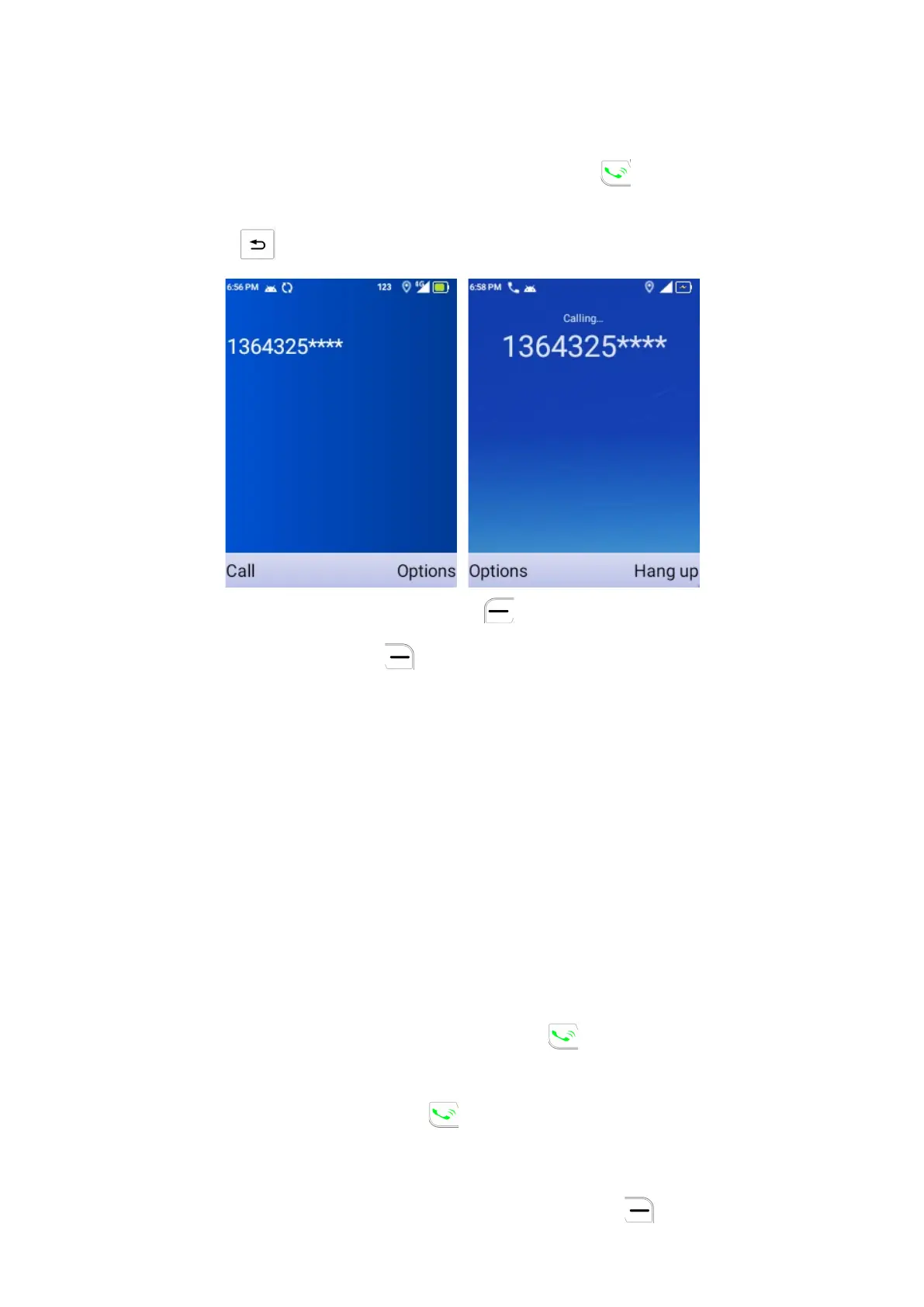
Dial the desired number then press the Call Key to make the call. If you
make a mistake, you can delete the incorrect digits by pressing the Back/
Delete Key .
You can also press the Left Soft Key to call
Press the Right Soft Key to show more Options
1. Create new contact
2. Add to a contact
3. Send a message
4. Settings
5. Add 2-sec pause
6. Add wait
7. Call history
a) Make a call from your call log
From the Home Screen, press the Call Key .
Enter the Call Log to access the call log and choose the contact you want
to dial, then press the Call Key .
b) Make a call from Contacts
From the Home Screen, press the Right Soft Key , Choose the contact



 To Next Page