19
7.5
Sound Recorder.
To access this function, press the Center Soft Key from the Home
Screen and select Multimedia > Sound Recorder.
•
Press the
Center Soft Key
to start recording and press the
Center
Soft Key
to end recording.
•
Press the
Right Soft Key
and use the
Navigation Key
to select the
recording, then press the
Center Soft Key
to play.
•
Press the
Right Soft Key
to access Options, such as
delete,
share, rename or details
.
8
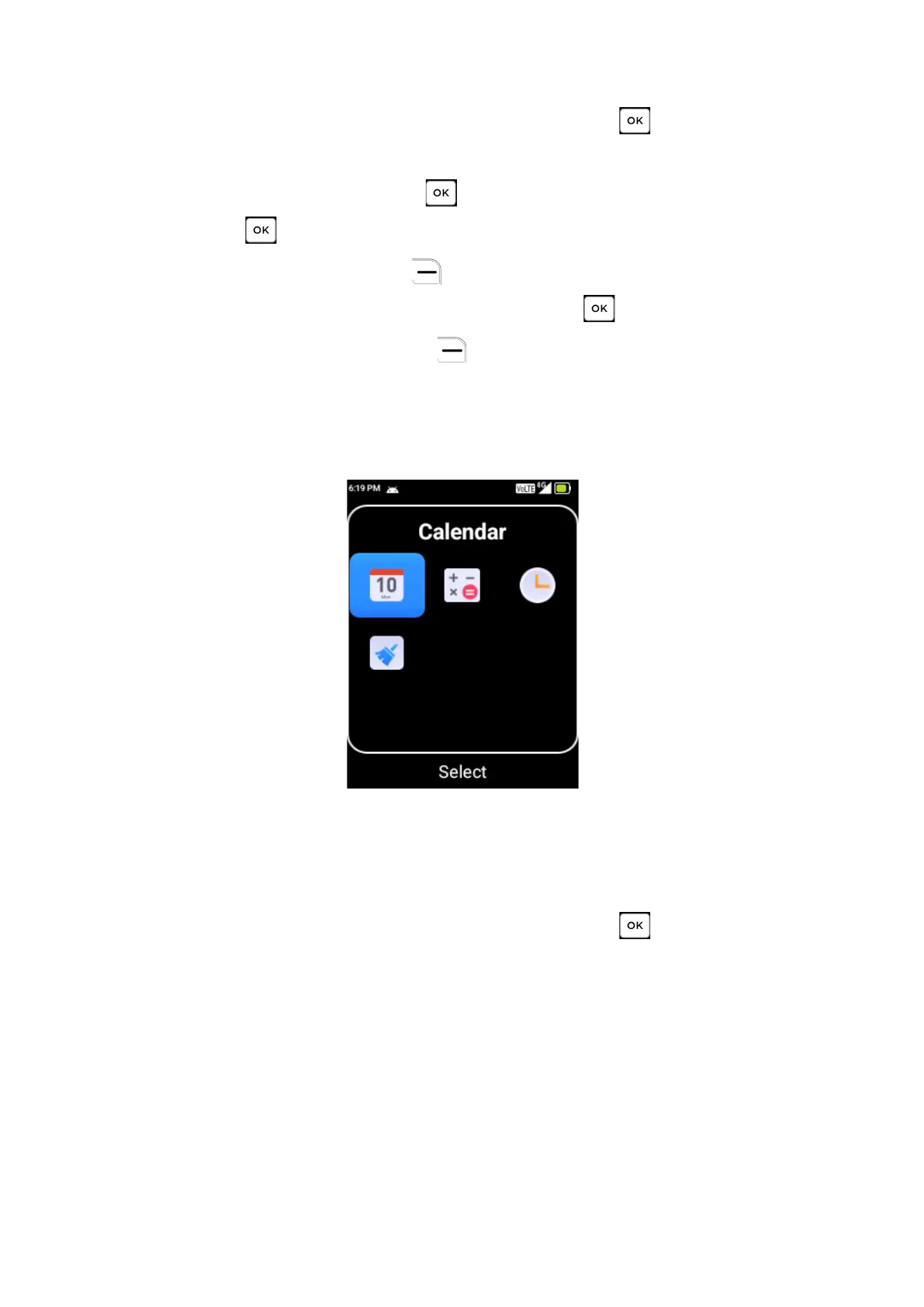
Tools
8.1
Calendar
Use the Calendar to keep track of important meetings, reminders or
appointments.
To access this function, press the Center Soft Key from the Home



 To Next Page