13
Contacts enables quick and easy access to the contact you want to reach.
From the Home Screen, press the Center Soft Key and select
Contacts to enter the contact list.
3.1
Adding a Contact
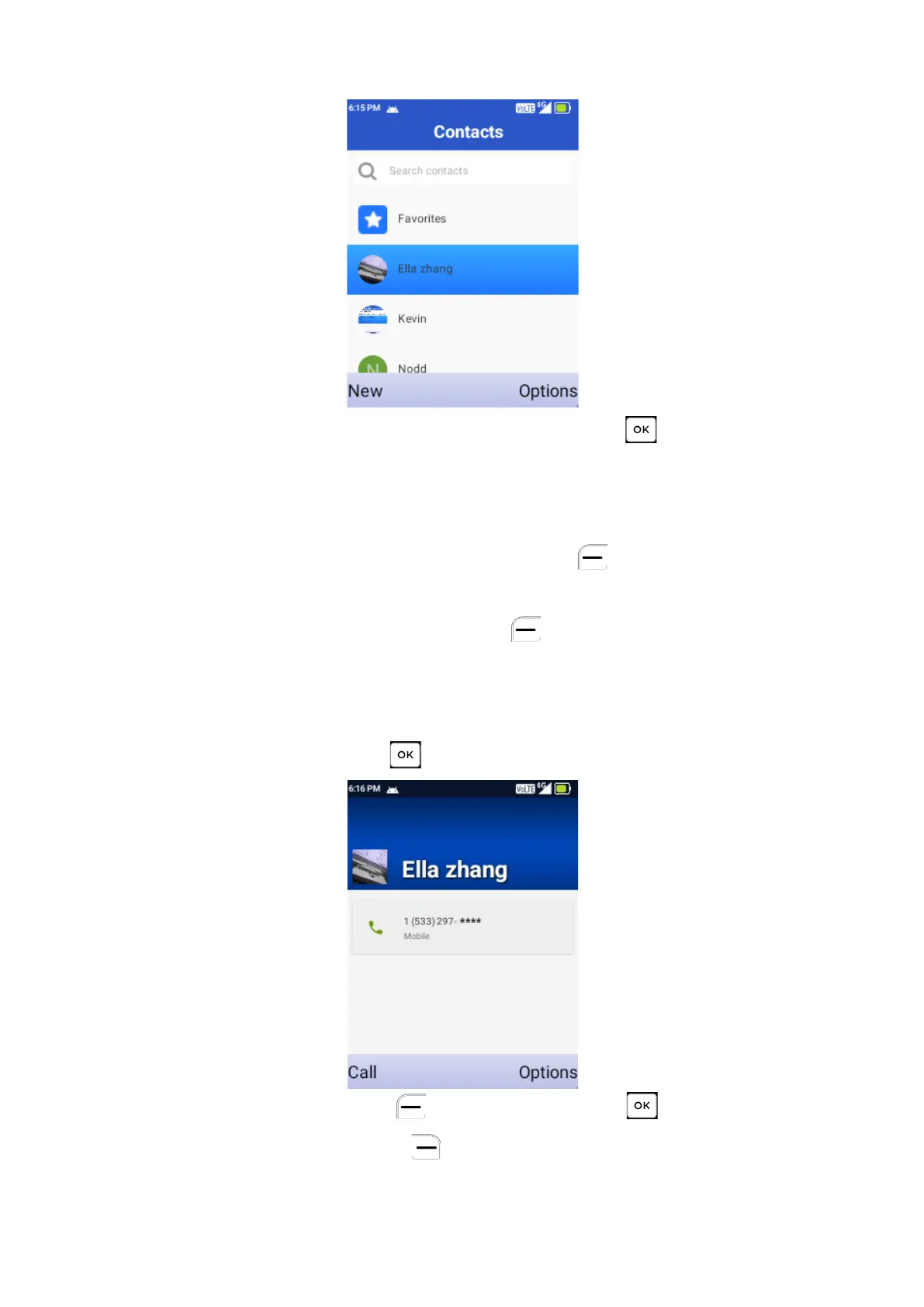
On the Contacts screen,
Press
Left Soft Key
to create a
New
Contact
and enter the contact information.
When finished, press the Left Soft Key
to save.
3.2
Viewing a Contact
On the Contacts screen, use the Navigation Key to select a Contact, then
press the Center Soft Key to access the contact’s details.
a) Press the Left Soft Key or Center Soft Key to make a call.
b) Press the Right Soft Key to access the Options: Send a message,
Edit, Delete and Share.



 To Next Page