9
battery with the gold contact points of the compartment. It only fits one way.
Press down to position in place.
Step 5. Carefully align the back cover with tabs and press into place. It
only fits one direction.
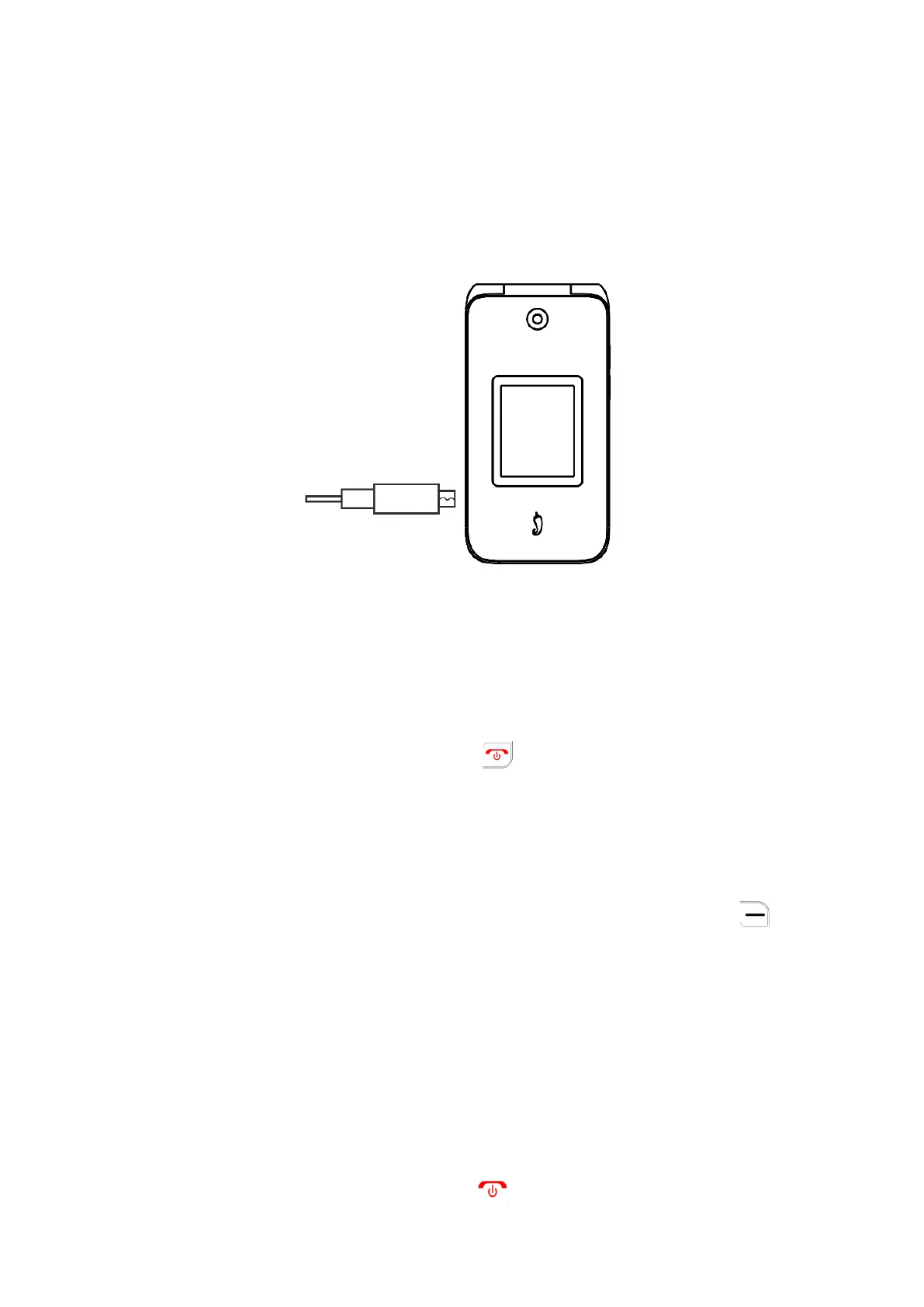
Step 6. Charge your phone fully before powering it on and starting the
setup process.
WARNING:
Only use the charger and cable supplied with the phone.
Using incompatible chargers or tampering with the charging port could
damage your phone.
1.3
Powering on your phone
Press and hold the End/Power Key until the phone powers on.
Setup your phone for the first time
The first time you power on the phone, you will be guided through the
setup process.
Additional settings can be configured in Settings:
•
Select the phone’s language, then press the Right Soft Key to go to
the next step.
•
You will see the Home Screen
Note: Even if no SIM card is installed, your phone will still power on and
you will be able to connect to a Wi-Fi network and use some of the
phone’s features.
1.4
Powering off your phone
Press and hold the End/Power Key until the phone vibrates and powers
off.



 To Next Page