14
3.3
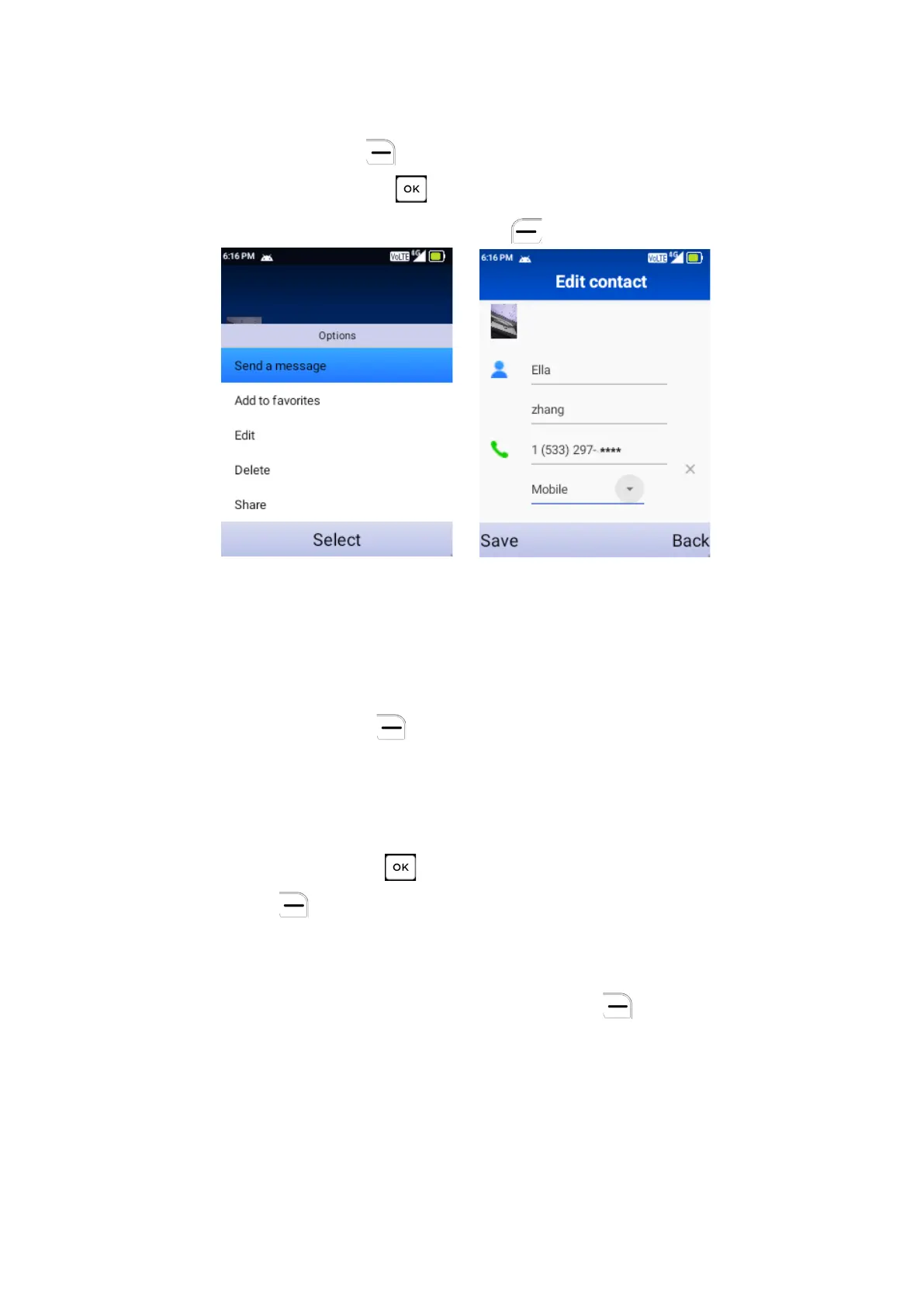
Editing a Contact
On the Contacts screen, using the Navigation Key to select a Contact, then
press the Right Soft Key to access Options, select Edit contact and
press the Center Soft Key to edit.
When finished, press the Left Soft Key
to save.
3.4
Sharing a Contact
You can share a single contact with others by sending the contact’s vCard to
them via Email, Messages, or Bluetooth.
On the Contacts screen, use the Navigation Key to select a Contact, then
press the Right Soft Key to access Options, and then select Share.
3.5
Deleting Contacts
On the Contacts screen, use the Navigation Key to view available contacts
and the Center Soft Key to make your selection, and then press the
Right Soft Key to select Delete.
3.6
Import/Export Contacts
On the Contacts screen, press the Right Soft Key to access Options.
•
Select Import contacts to import contacts from internal storage to phone.
•
Select Settings > Export contacts to export contacts from phone to
internal storage.
4
Messages



 To Next Page