21
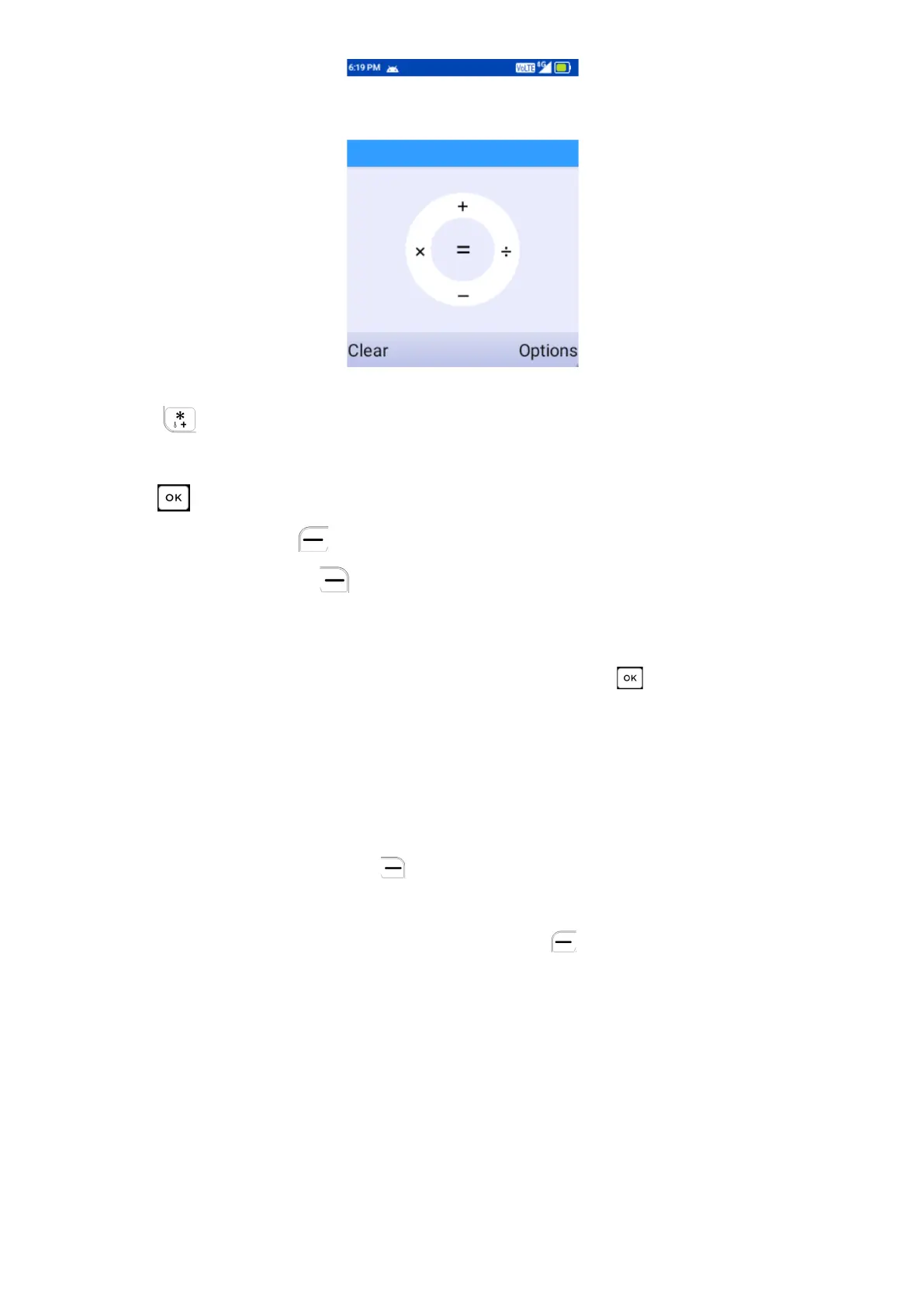
0-9 key: Input numbers
key:“.”
Navi key: +, -, x, ÷
: =
Left Soft Key : Clear
Right Soft Key : Options
8.3
Clock
To access this function, press the Center Soft Key from the Home Screen
and select Tools > Clock
Press Navigation Key (Left, Right) to switch between Alarm, Timer,
Stopwatch, Clock.
a) Set Alarm
Press the Right Soft Key to add a new alarm. Select Hour, Minutes,
AM/PM, then press OK.
For additional settings, press Left Soft Key to Edit. The following options
will appear:
•
Turn alarm on: Toggle on/off alarm.
•
Time: Select to set the alarm time.
•
Repeat: Select the days you want your alarm to go off.
•
Alarm sounds: Select a ringtone for the alarm.
•
Delete Alarm:
Delete an alarm.



 To Next Page