15
Press the Messages Key, or from the Home Screen, press the Center
Soft Key and select Messaging to enter Messages.
4.1
Sending a Text Message (SMS)
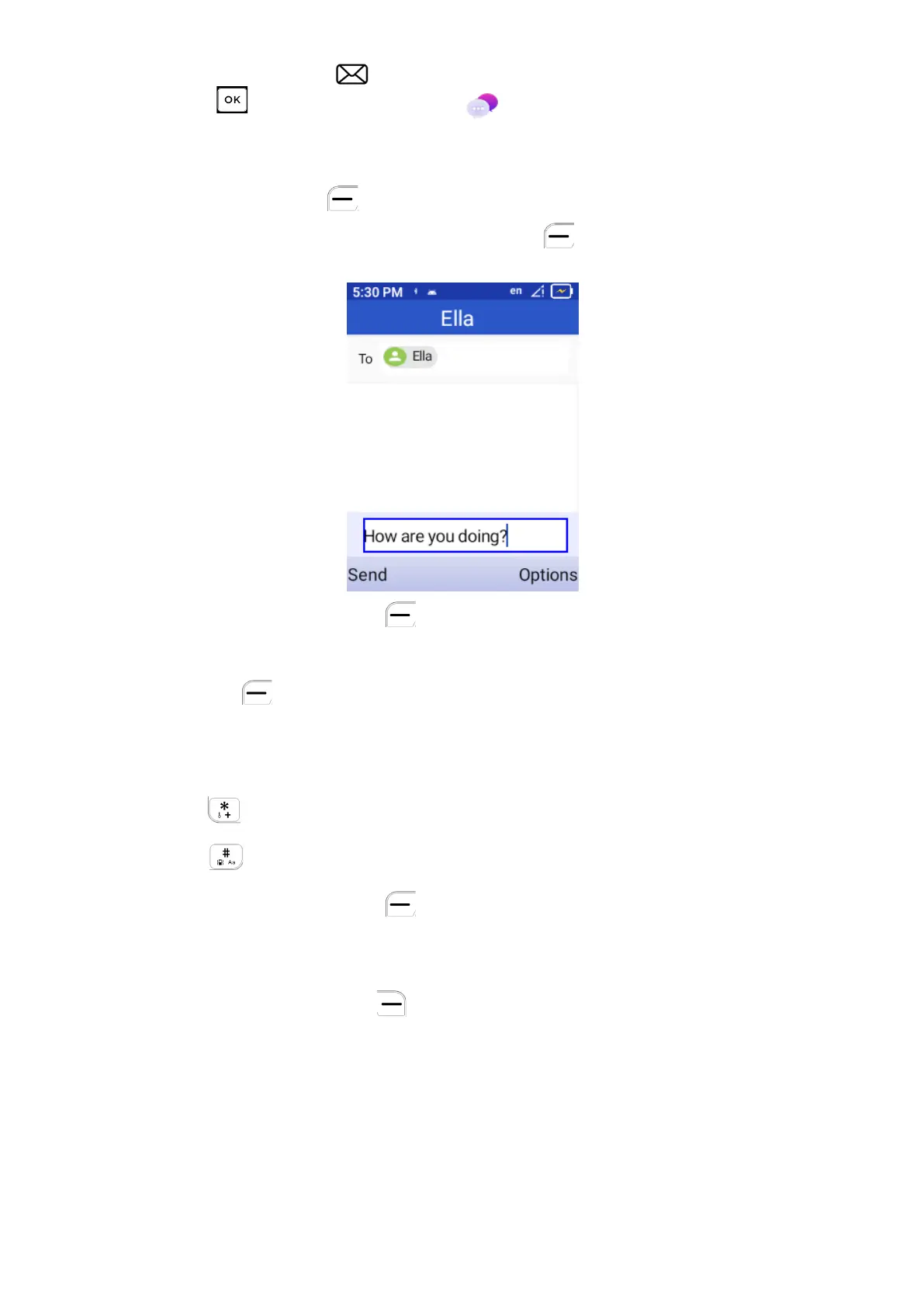
Press Left Soft Key New to create a new message, input desired phone
number and message. Press Left Soft Key to send out.
•
Press the Left Soft Key to write a new message.
•
Enter the phone number of the recipient in the “To:” bar or press the Left
Soft Key to add recipients.
•
Use the Navigation Key to go to the SMS/MMS message entry bar to
enter the content of the message.
•
Press
Key to switch between the different input methods.
•
Press Key to select symbols.
•
Press the Left Soft Key to send messages.
4.2
Sending a Multimedia Message (MMS)
Press the Right Soft Key to access Options.
MMS enables you to send multimedia content including videos, pictures,
photos, contacts and sounds to other compatible phones.
An SMS will be converted to MMS automatically when media files (image,
video, audio, etc.) are attached or email addresses are added.
An SMS of more than 160 characters will be charged as multiple SMS
messages. Special characters may reduce the total available character length



 To Next Page