20
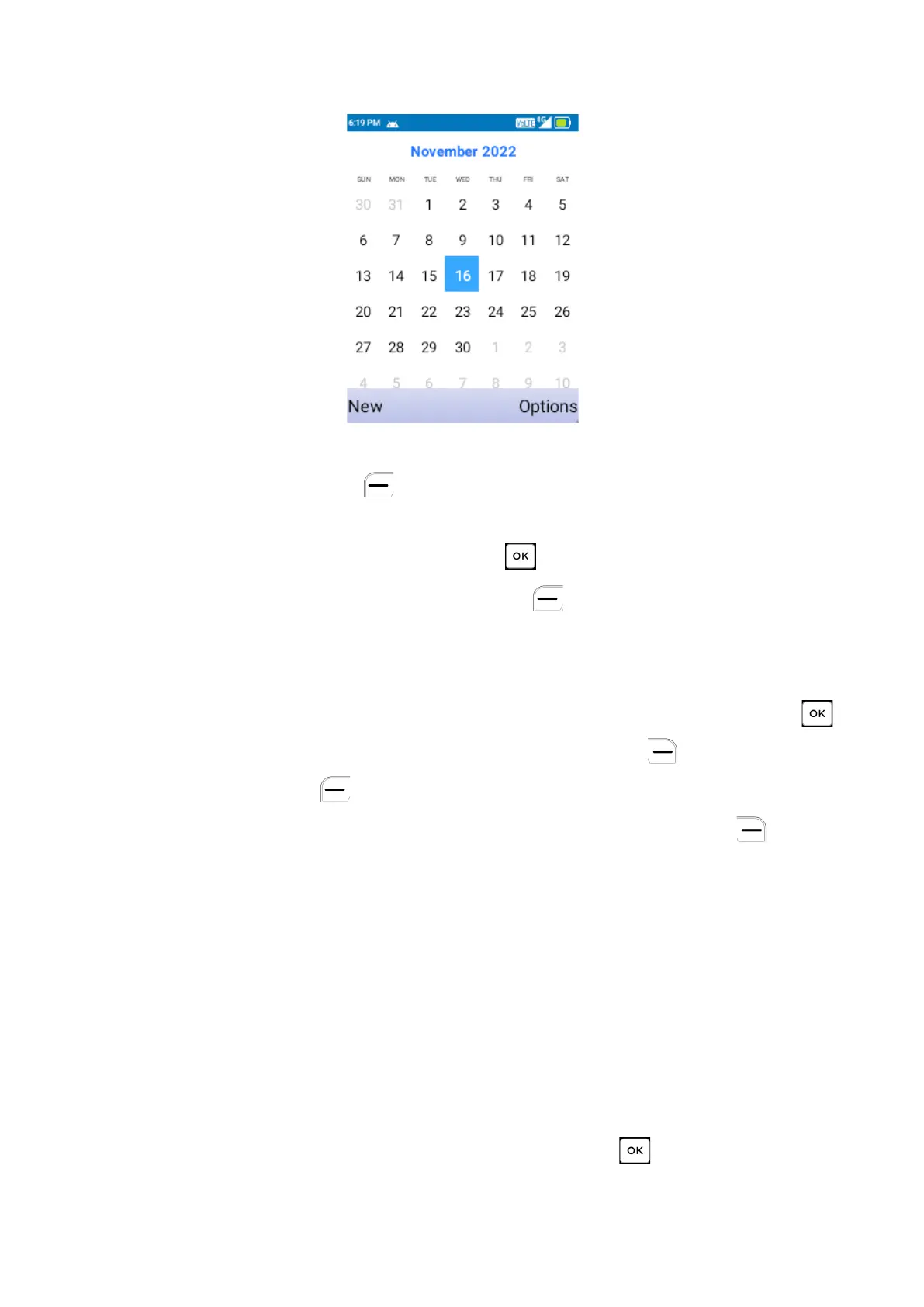
Screen and select Tools > Calendar.
a) Create New Event
Press the Left Soft Key to add new events from any Calendar view.
•
Fill in all required information for a new event. If it is a whole day event,
you can press the
Center Soft Key
to select
All-day
.
•
When finished, press the Left Soft Key to save.
b) Delete and Edit Event
After new event is created, under Month view or Day view, use the
Navigation Key to move to the event. Press the Center Soft Key to
show the events list, then press the Right Soft Key to delete or press
the Left Soft Key to edit.
More options are available by pressing the Right Soft Key from the
Calendar main screen:
•
Today: Quickly navigate to the current day.
•
Settings: Configure Calendar settings.
c) Event reminder
If a reminder is set for an event, the upcoming event will appear on the
Status bar as a notification when the event time arrives.
8.2
Calculator
To access this function, press the Center Soft Key from the Home
Screen and select Tools > Calculator



 To Next Page