24
transferred via Bluetooth, USB Cable or by network.
When you download an application from PC to phone/microSD card, you
can locate the application using File Manager, then select it to install it in
your phone.
File Manager allows you to perform and be efficient with the following
common operations create (sub) folders and open view, rename, move, copy,
delete, play, and share saved files.
9.3
Note
Press the Center Soft Key from the Home Screen, select Applications
and select Note
•
Press the Left Soft Key to add a new note, then enter contents, then
press the Left Soft Key to Save.
•
On the notes list, press the Right Soft Key to access Options, such
as delete, share and select notes.
•
Use the Navigation Key to select the note, and press the Center Soft
Key to view details or edit. Press the Right Soft Key to delete
or share the note via Email, Messages or Bluetooth.
10
Setting
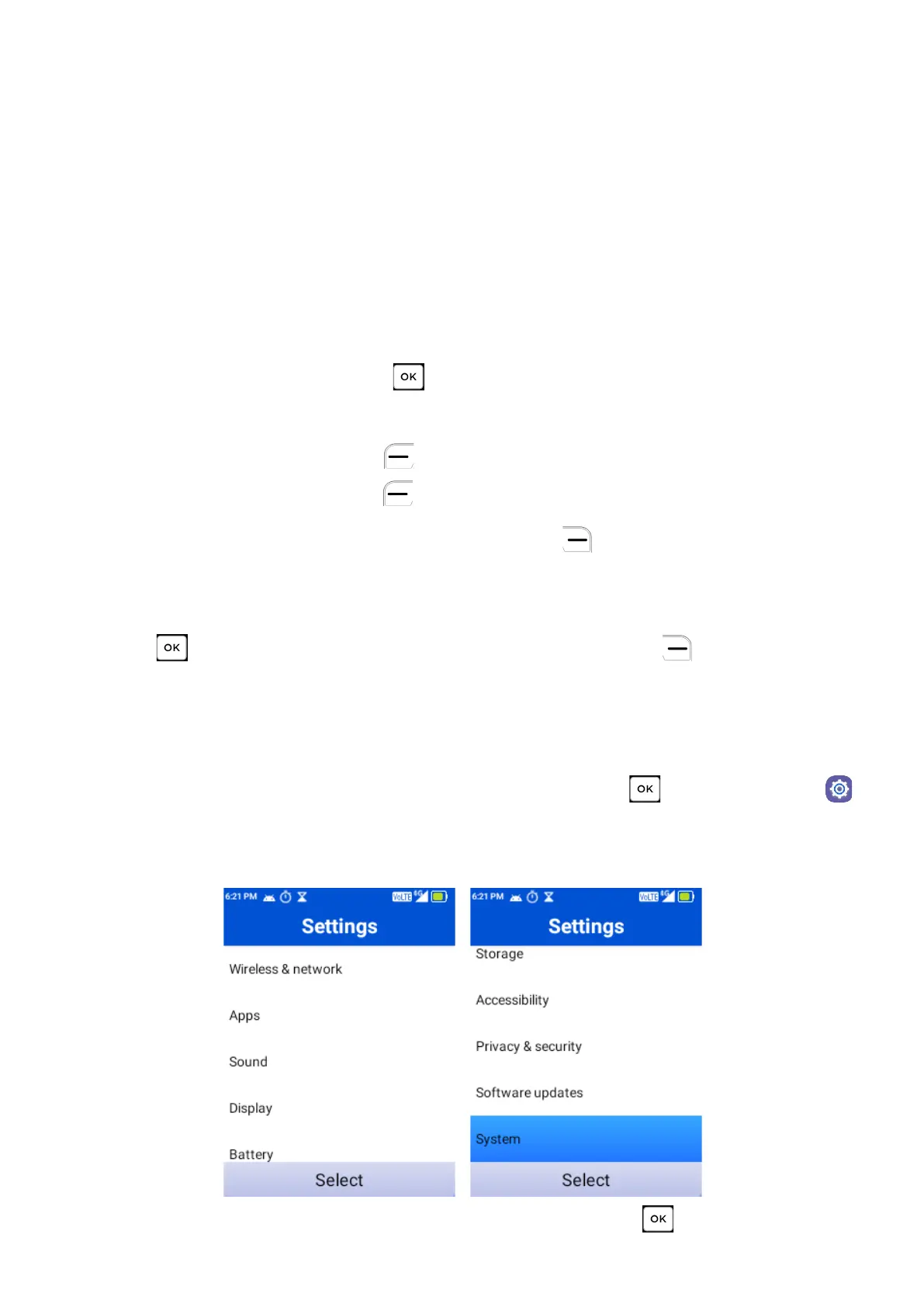
From the Home Screen press the Center Soft Key , select Settings .
You will the following options:
10.1
Wireless & Network
Select Wireless & Network and press Center Soft Key to access.



 To Next Page