8
Step 2.
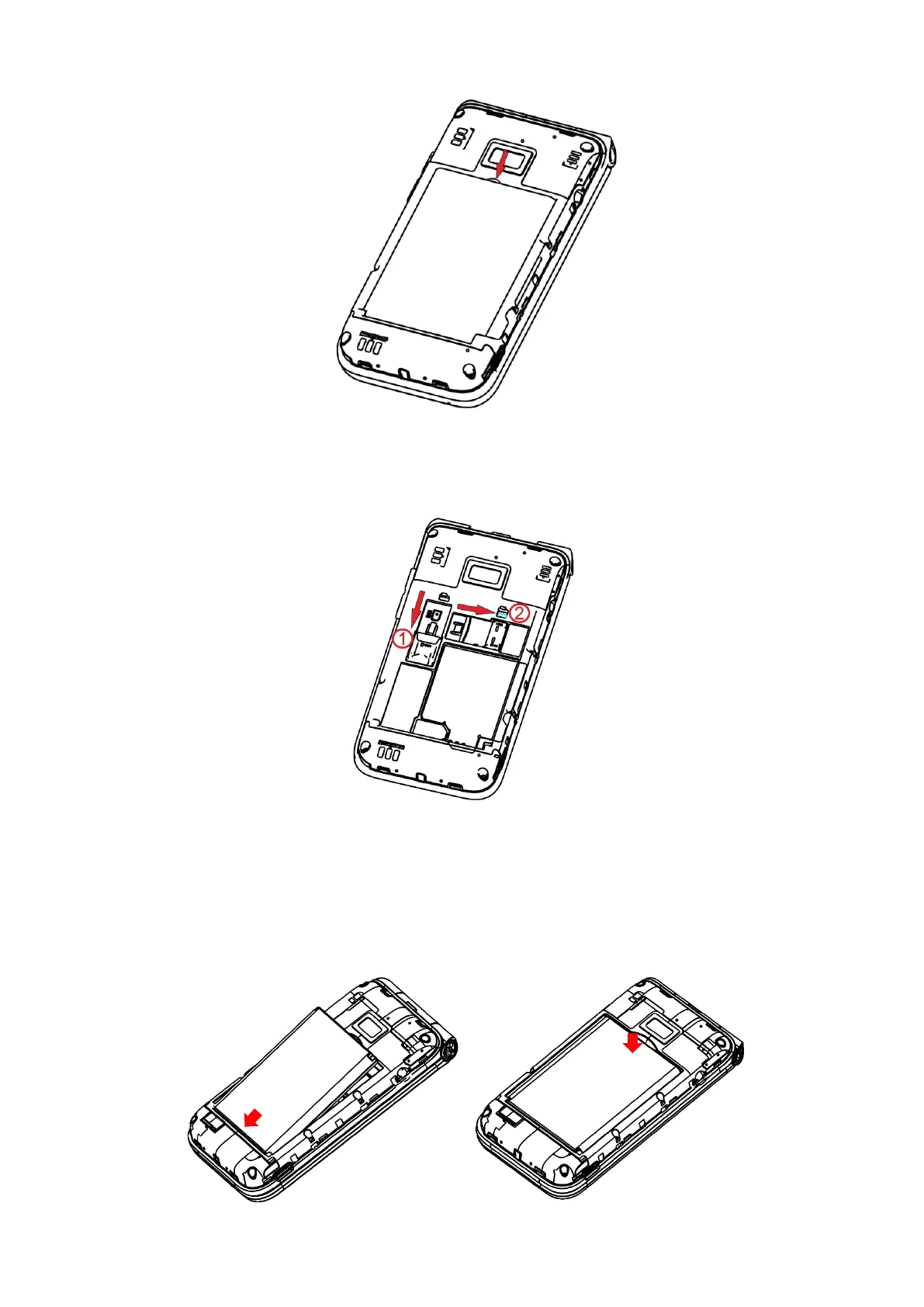
Remove the battery using your fingernail to lift from the top.
Step 3.
To insert SIM card
○
1 or microSD card
○
2 , push the SIM card or
microSD card into the card slot with the gold-colored contacts facing down.
To remove the SIM card or microSD card, press down on the small plastic
tab, then slide out the card. Do not use force or any sharp objects.
Step 4. Re-install the battery by aligning the gold contact points of the



 To Next Page