COOKING MODES
STANDARD USER MANUAL 11
CombiSmart
®
The CombiSmart function allows you to set an oven temperature and select a humidity
level. CombiSmart is recommended for braised products and for poultry. When you use
CombiSmart, you minimize shrinkage and improve the appearance and flavour of the
products. You can choose between 10 dierent humidity levels.(10-100)
The preferred humidity level is reached after 1-5 minutes depending on the amount of
product in the oven. To ensure that the oven has reached the correct humidity level,
preheat the oven for 5 minutes at the preferred humidity level.
Setting CombiSmart Temperature and Humidity Level
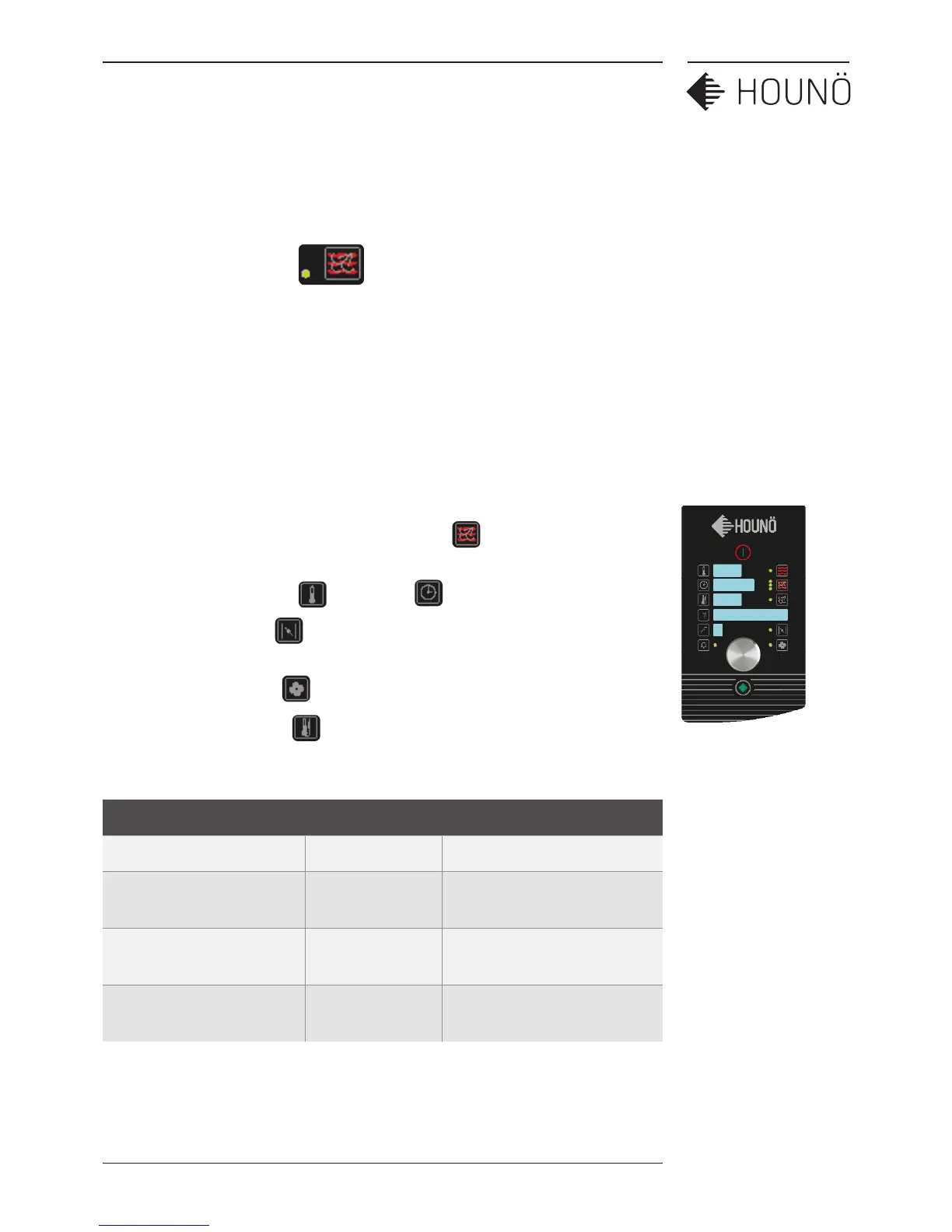
1. On the standard display touch the combi button CombiSmart will show the
bottom green light for confirmation.
2. To set the temperature and the timer (see page 8)
3. To set the humidity , use the wheel to select desired humidity level. Press
again to confirm
4. To set the fan speed (see page 9)
5. To use the core probe (see page 8)
Recommended Humidity Settings:
Product Humidity level Recommended temperature
Roasting 30-40 170-190°C
Gravy production during
braising of meat
70-80 145-165°C
Poaching fish, poultry, and
crispy vegetables
90-100 70-120°C
Steaming potatoes, rice,
pasta, meat, and more.
100 100°C or steaming mode


 To Next Page