PROGRAMS
16 STANDARD USER MANUAL
PROGRAMS
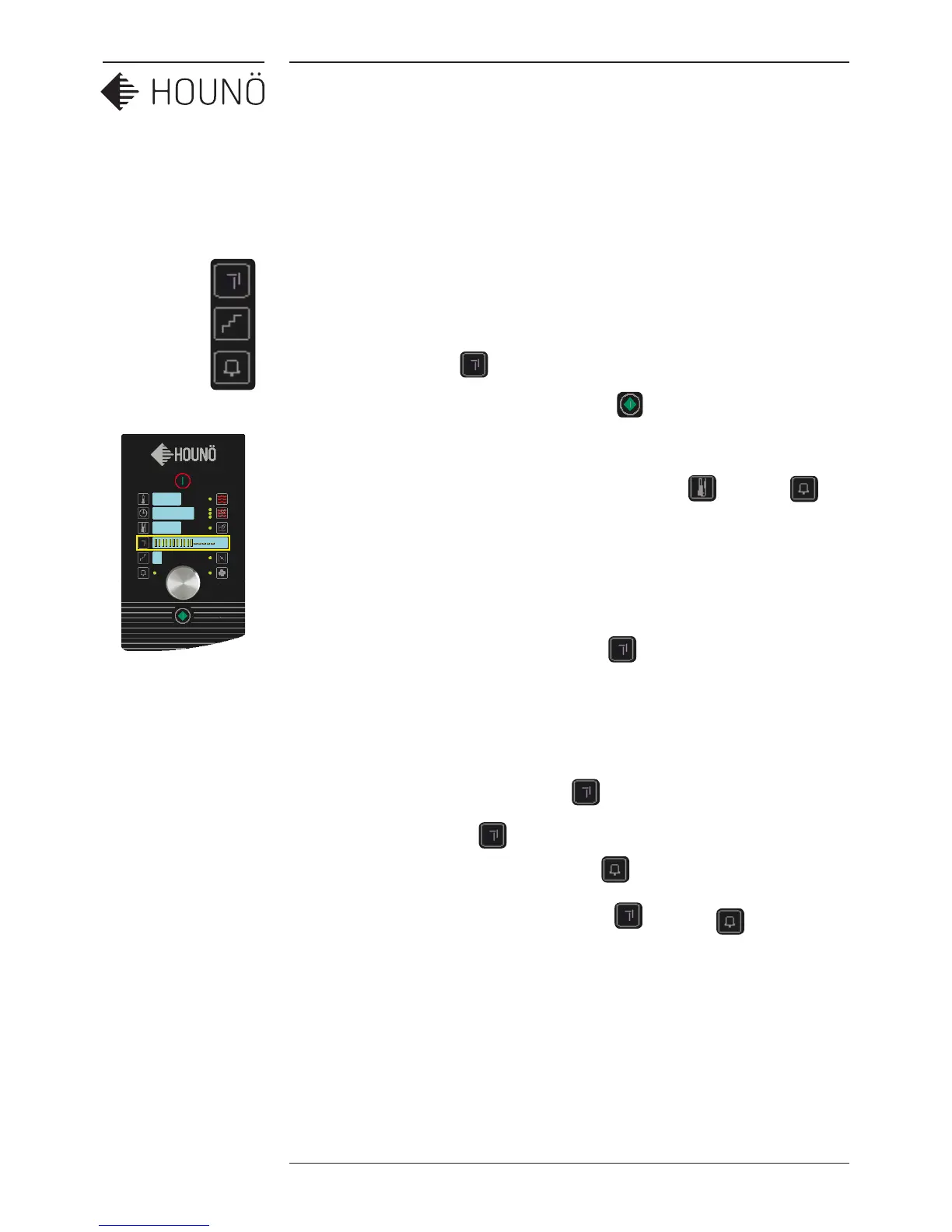
Standard ovens can store up to 50 programmes. Each programme has up to 10 process
steps. It is possible to write 10 characters and enter an alarm for each step.
Making and using programs
1. Press programmes and turn the wheel to select desired program number.
2. Start the programme by pressing Start/Stop button.
3. To leave a program turn the wheel anti clockwise beyond ”P O”.
4. To delete an entire programme, press core temperature and alarm
simultaneously for 2 seconds.
Entering and changing text
1. To enter or change text, press programmes for 3 seconds.
2. The first digit will flash. Change the flashing character with the wheel. You can
choose between all the letters of the alphabet and the digits 0 – 9.
3. The space sign is next to the letter A.
4. Move on to the next digit by pressing
once.
5. Store text by pressing until “SAVED” appears in the display.
6. To leave text editing without storing, press The original text reappears.
7. To delete the entire text, press programmes and alarm simultaneously
for 2 seconds.
Note: when the oven display is left idle for 20 seconds, the oven returns to manual
operation.
IIIIIIIIIII-----


 To Next Page