USING THE STANDARD DISPLAY
STANDARD USER MANUAL 9
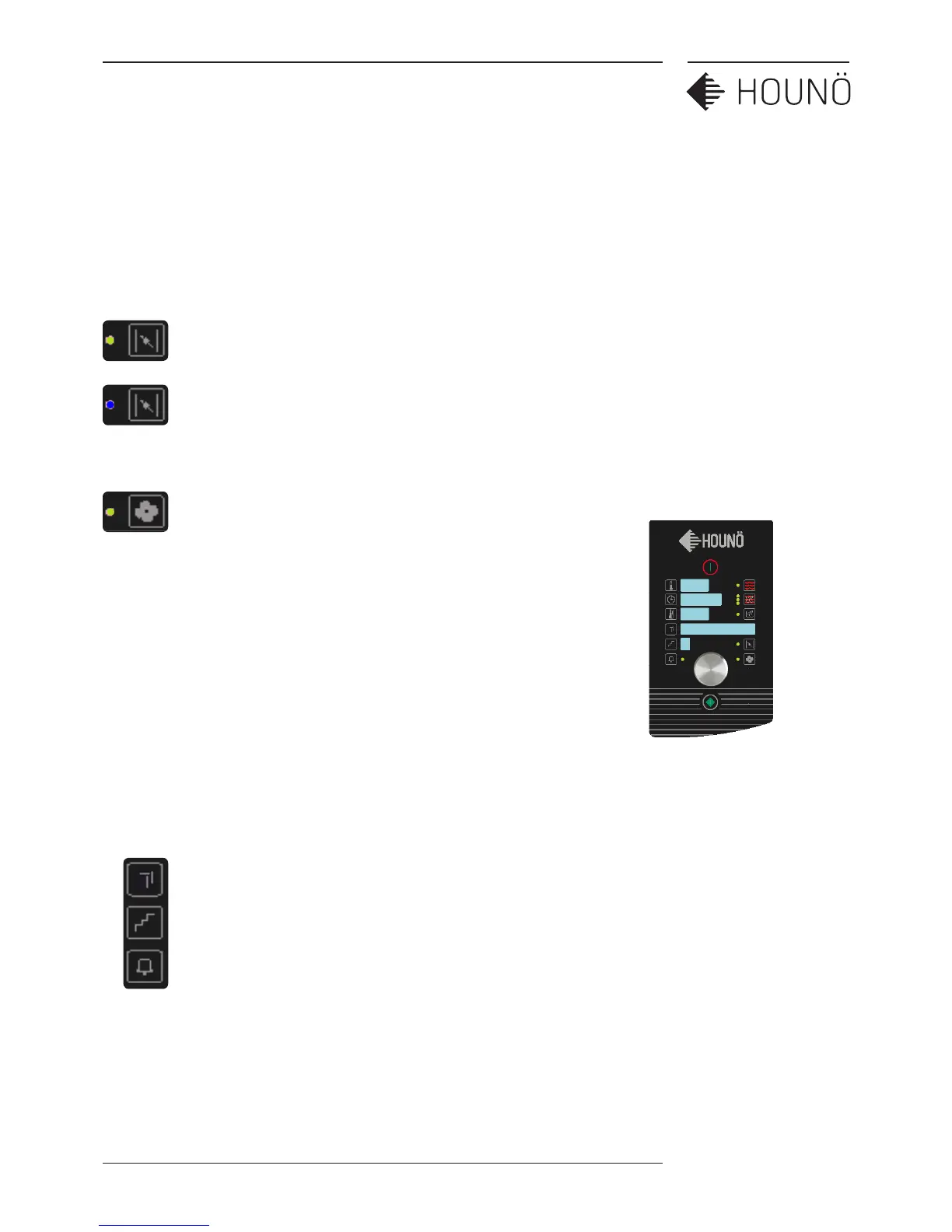
Setting the Exhaust
(Only available in Hot Air)
Press the exhaust button once. The green light will be on notifying you that
the exhaust is now open.
Press the exhaust button once again. The light will be o notifying you that
the exhaust is now closed.
Setting the Fan Speed
Press the fan button once. The green light will start to flash notifying you can
change the fan speed using the wheel.
The fan has 9 speeds from 20% to 100%
You can adjust the fan speed before you start a new process or during the
process.
For delicate cooking of products such as pu pastry, cakes and smaller
products we recommend using a fan speed between 20-50%.
When the fan speed is low, add 1-2 minutes extra cooking time for each ½
hour.
Above 200°C only 50% to 100% fan speeds are available
Making and using cooking programs
For programs see page 16


 To Next Page