HP 4110 Quick Start Guide
8
ENGLISH
E
N
G
L
I
S
H
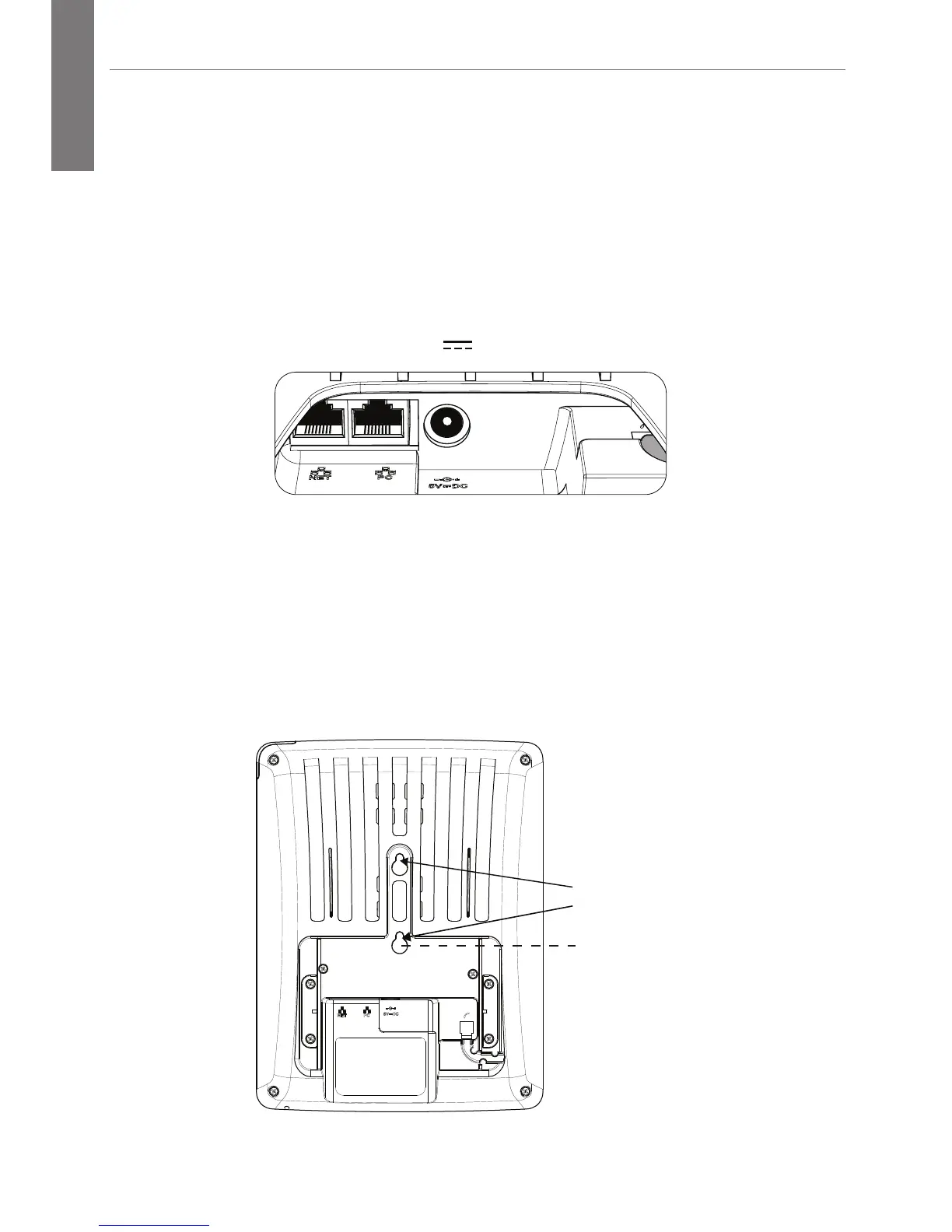
Connect the Ethernet Cable
1. Connect the Ethernet cable to the NET port (left-most port).
Note: The phone is a PoE phone. If you are not using PoE,
also connect an HP 5V power supply. Caution: A 48V supply, as
used by other IP phone vendors, will permanently disable this phone.
Use only a Hewlett-Packard (HP) 5V external power supply (J9767A)
.
.
If no PoE available
NET PC
5V DC
2. Attach the Ethernet cable to the wall jack.
Attach the Phone to the Wall
1. Attach the phone to the wall by placing the larger portion of
the mounting holes over the screws on the wall.
2. Once in place, pull the phone down so that the narrow area
of the mounting holes are resting against the screws.
Mounting
Holes



 To Next Page