| 77
6 | Configuring and Optimizing
Your hp Jornada
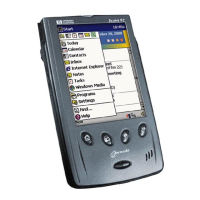
This chapter details ways you can optimize your hp Jornada using the
Settings and the hp settings application, and describes ways you can
expand features and functionality by adding programs. This chapter also
offers important tips on safeguarding your data by managing power and
memory and using the security settings. In this chapter, you will learn to
• Manage power effectively.
• Manage the memory on your hp Jornada.
• Adjust settings for the display and sounds.
• Use security features to protect your data.
• Configure hardware buttons.
• Configure menus for easy access to programs and documents.
• Add or remove programs.
• Add functionality to your hp Jornada with CompactFlash cards and
optional accessories.


 To Next Page
 Loading...