114
Changing Your Workstation’s Hardware Configuration
Installing Storage Devices
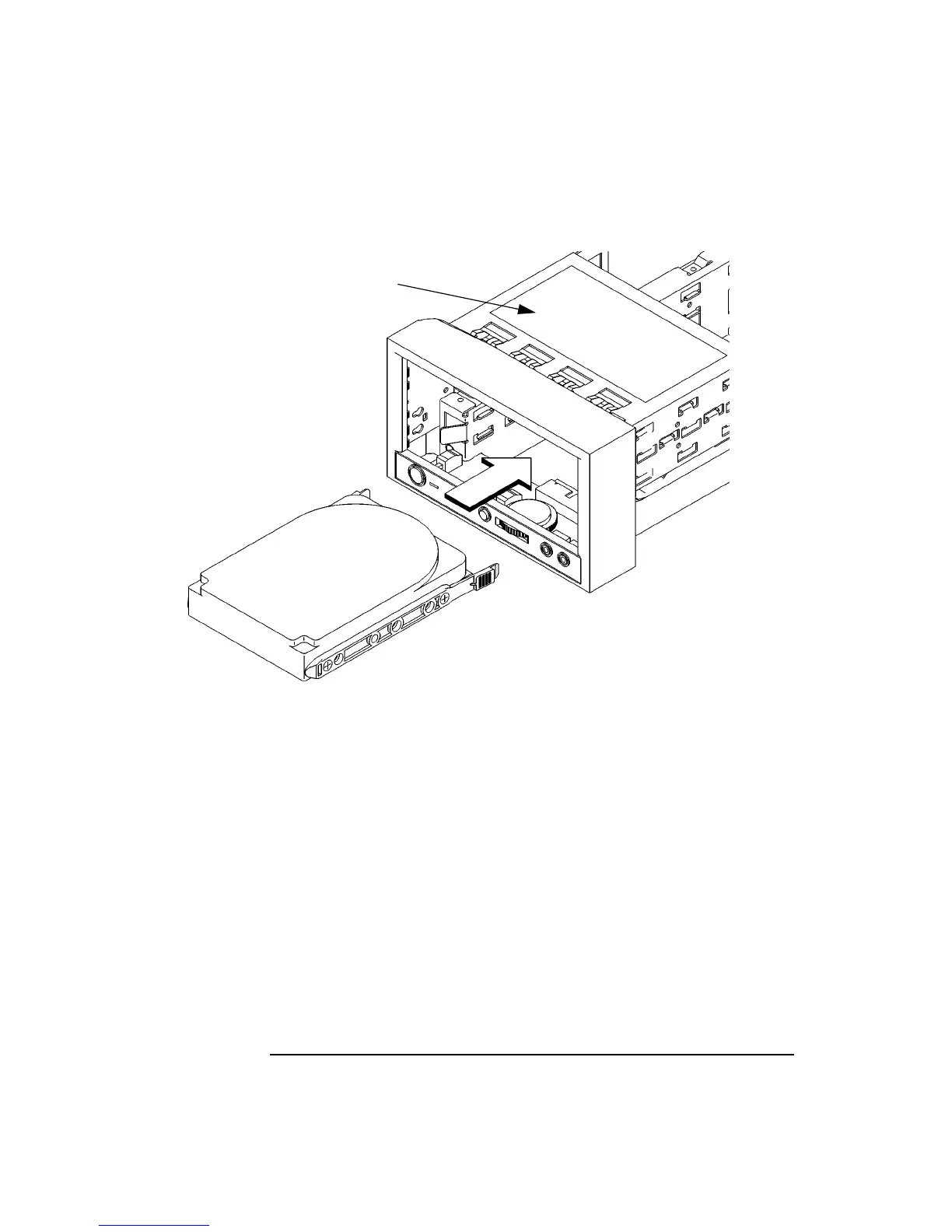
Figure 33 Installing a Hard Disk Drive in Position 1
5 Push the drive in until the locking tabs snap into place.
6 Snap the disk filler panel into the lower bezel position.
7 Proceed to the section entitled Replacing the Storage Tray.
Cable Routing Label



 To Next Page