11
Product Information
System Unit Front Panel Controls
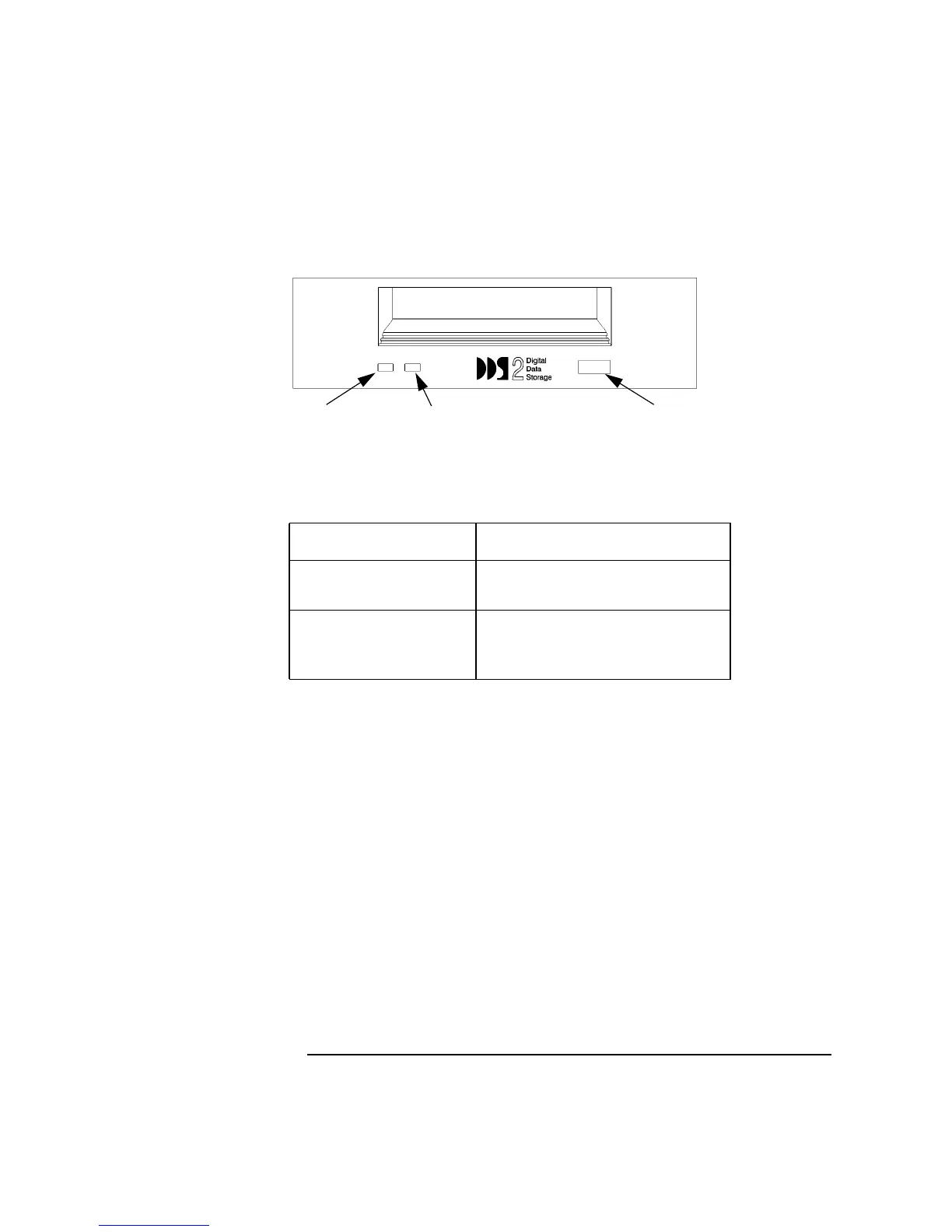
Figure 5 DDS-2 Drive Controls and Indicators
Table 2 DDS Tape Drive Controls and Features
Control/Feature Purpose
Eject Button Push the eject button to remove tape
cassettes from the drive.
Drive LEDs The DDS drive LEDs light and flash
to indicate drive status and error con-
ditions.
Tape LED Clean/Attention LED Eject Button
Tape Clean



 To Next Page