142
Changing Your Workstation’s Hardware Configuration
Installing an EISA, PCI, or GSC Option Board
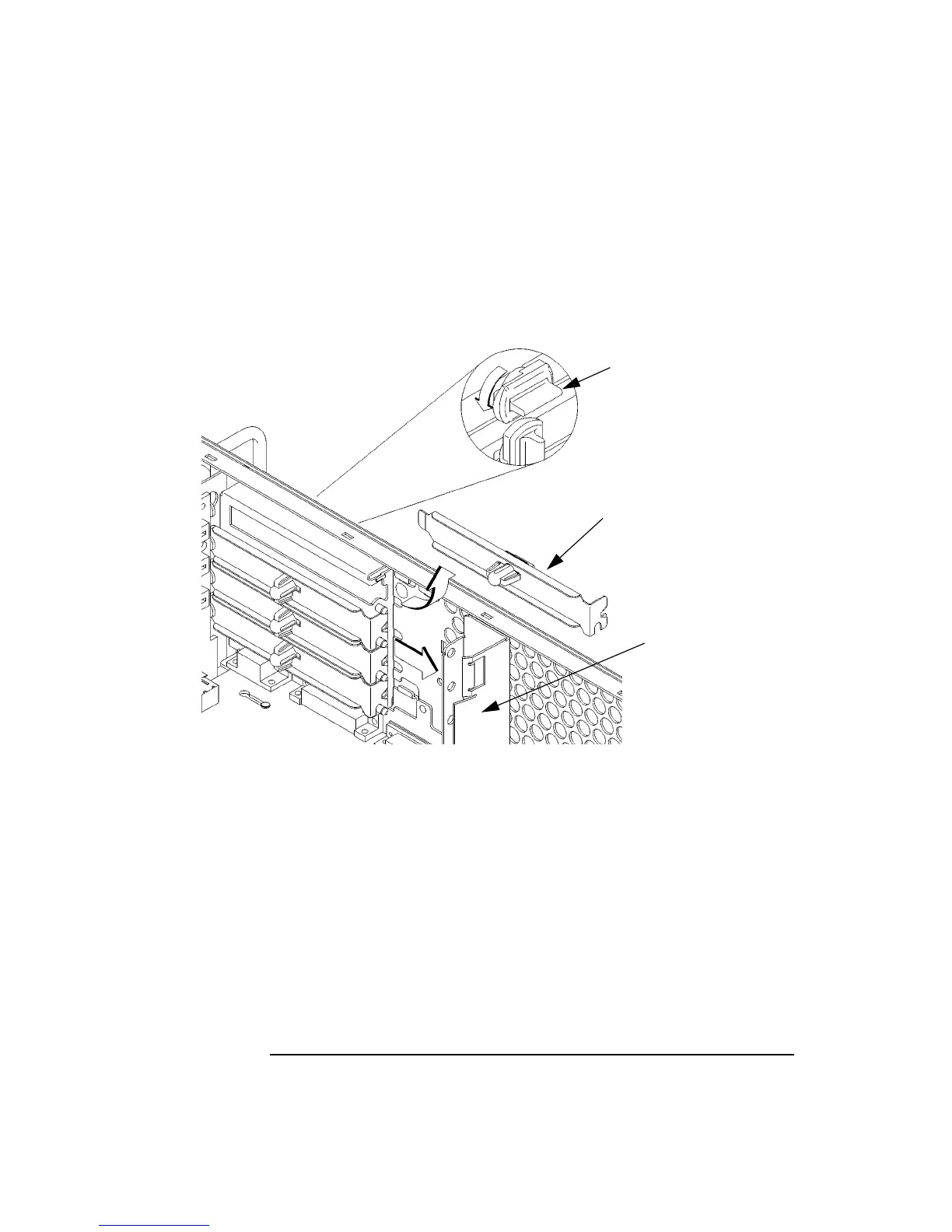
4 Remove the EISA slider, as shown in Figure 52.
5 In the desired EISA slot, turn the blank plate’s locking knob counter-clockwise
to unlock the plate, as shown in Figure 52.
Figure 52 Removing the EISA Slider and Blank Plate
6 Remove the blank plate from the slot, as shown in Figure 52.
Blank Plate
Locking Knob
EISA Slider



 To Next Page