136
Changing Your Workstation’s Hardware Configuration
Installing an EISA, PCI, or GSC Option Board
Installing an EISA, PCI, or GSC Option Board
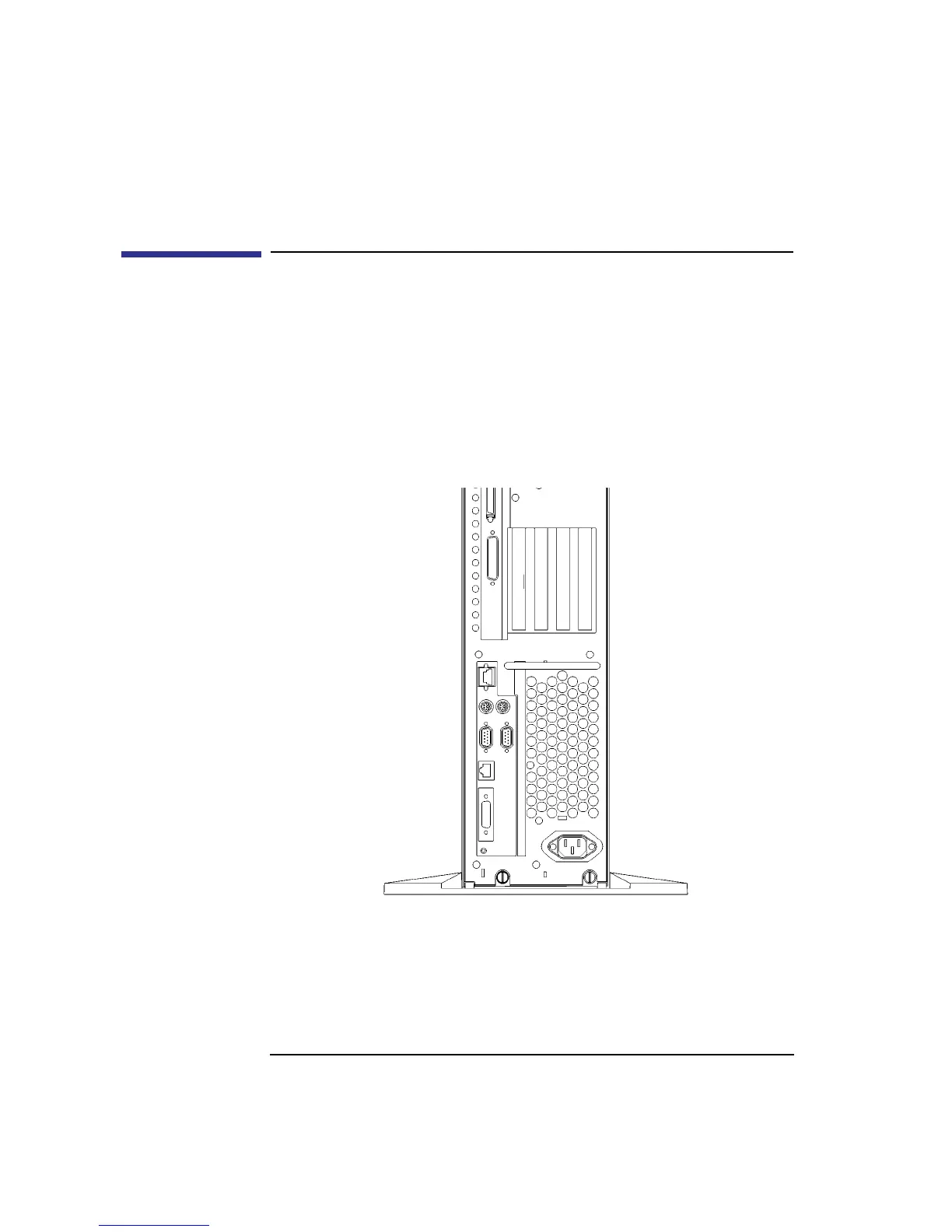
Your workstation has 4 option slots, as shown in Figure 49.
On C160/C180 workstations, slots 1 and 2 each support either GSC or EISA
boards. Slot 3 supports a GSC, EISA, or PCI board. Slot 4 supports a GSC or
PCI board.
On C200/C240/C360 workstations, slots 1, 2, 3 and 4 each support either
GSC or PCI boards. Slot 1 supports a GSC, EISA, or PCI board.
Figure 49 Option Slots from Outside the System Unit
Slot 1
Slot 2
Slot 3
Slot 4



 To Next Page