135
Changing Your Workstation’s Hardware Configuration
Installing the EGRAM (Enhanced Graphics RAM) Module (C160/C180)
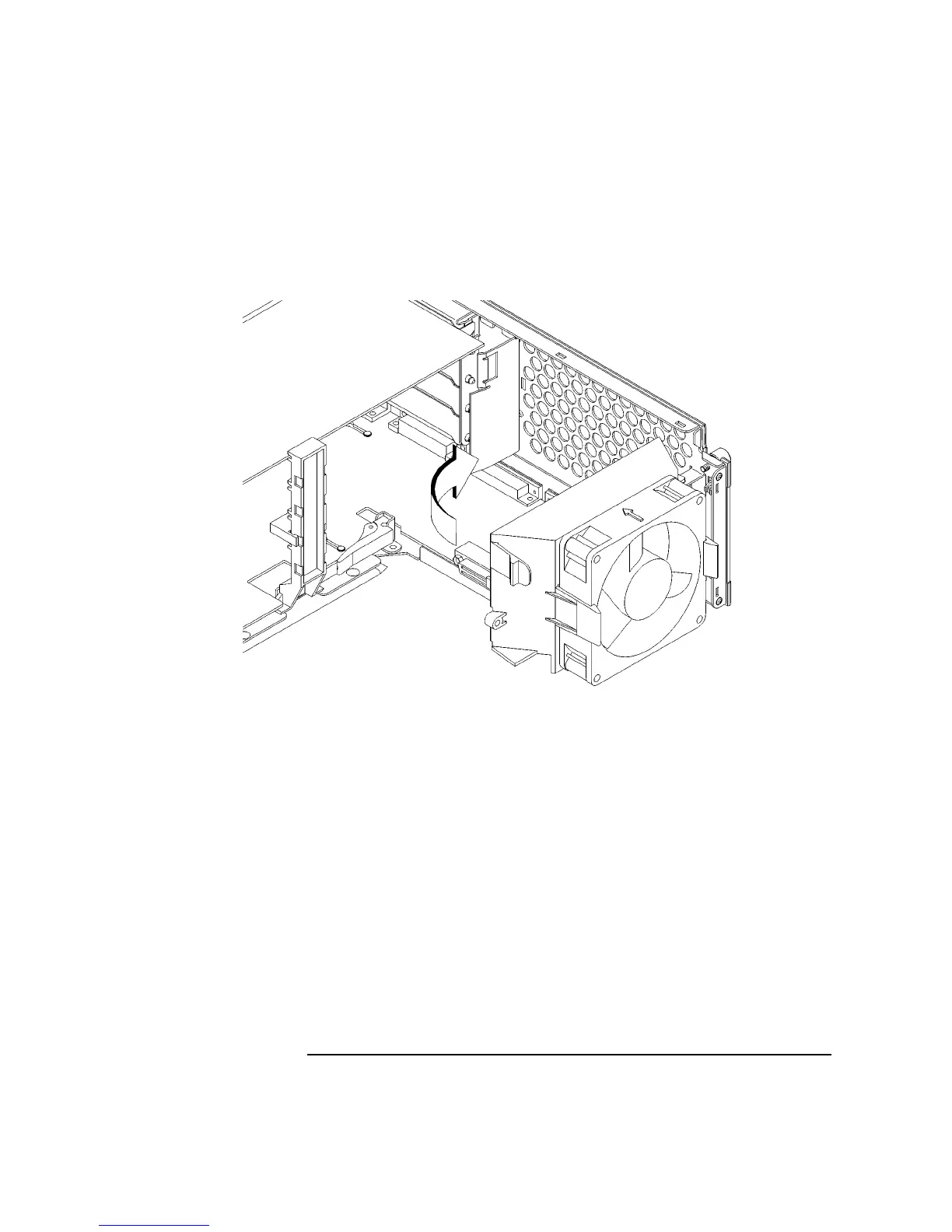
13 Rotate the fan back into place, as shown in Figure 48. Push it into the rear panel
firmly until the clip snaps into place.
Figure 48 Securing the Fan
14 Replace the main tray assembly as described in Replacing the Main Tray Assem-
bly on page 124.



 To Next Page