128
Changing Your Workstation’s Hardware Configuration
Installing Additional Memory
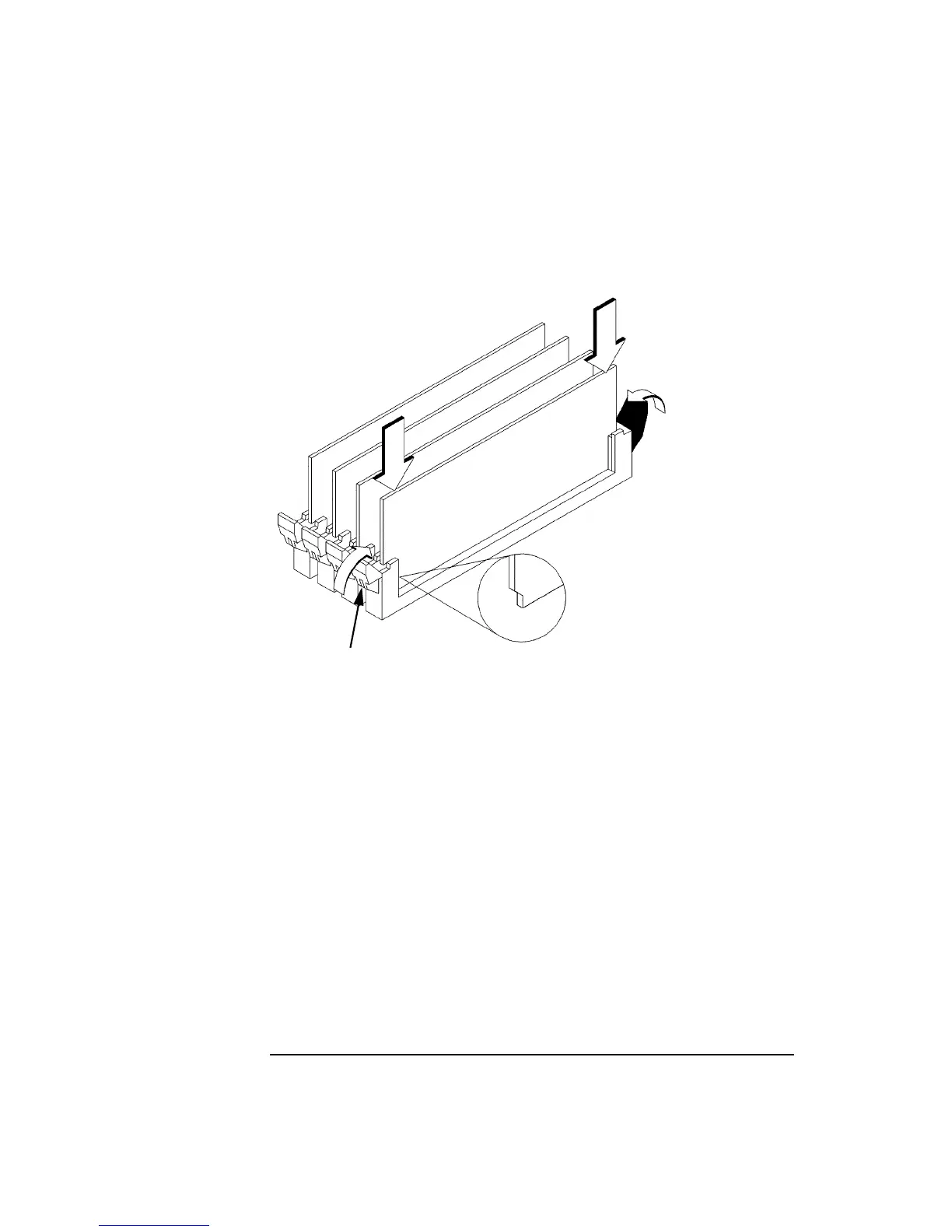
3 Close the ejector tabs on each side of the memory connector to lessen the force
needed to seat the memory module. See Figure 41.
Figure 41 Installing Memory Modules
4 Place the memory module in the connector, lining it up with the guides. Make
sure to put the notched end toward the white ejector tab, as shown in Figure 41.
5 Press firmly and evenly on the memory module to ensure that it seats properly.
White Ejector Tab



 To Next Page