Installing the switch | 32
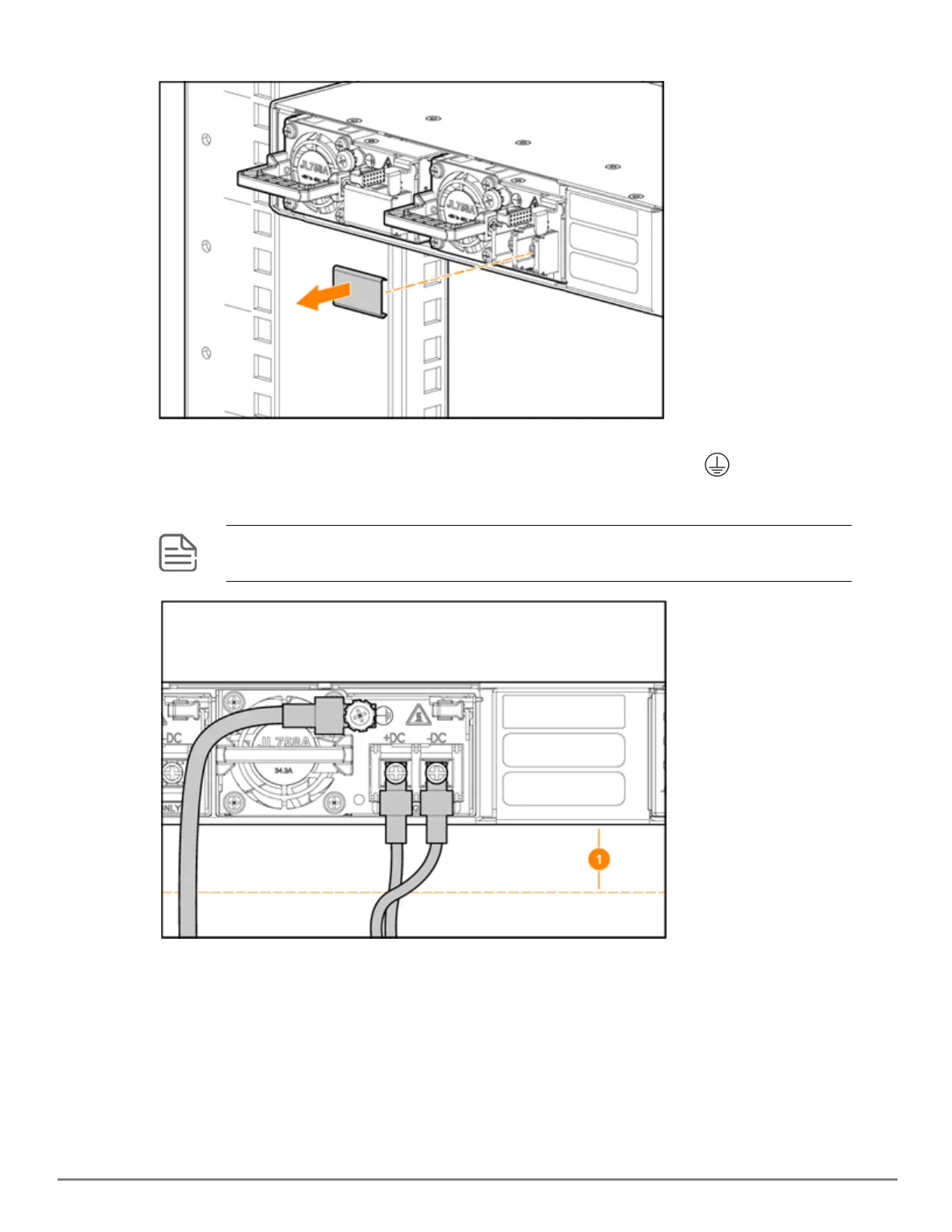
3. Remove the transparent protective cover from the DCinput connector of the power supply and set it aside.
4. Install the Ground, +DC, and -DC wires, making sure there is a three-inch gap (1 in below illustration) below
the unit for the DCcable. Fasten the Green wire to the Screw Terminal marked with on the power
supply.
Do not install the cable lugs in the reverse direction. When correctly installed, the crimped and
protruded portion of the insulator on the cable lugs should be facing outwards.
5. Make sure that all the screw terminals are tightened. Under no circumstances should any screw terminals
be loose.










 To Next Page