2–14 Hardware Reference Guide
Hardware Upgrades
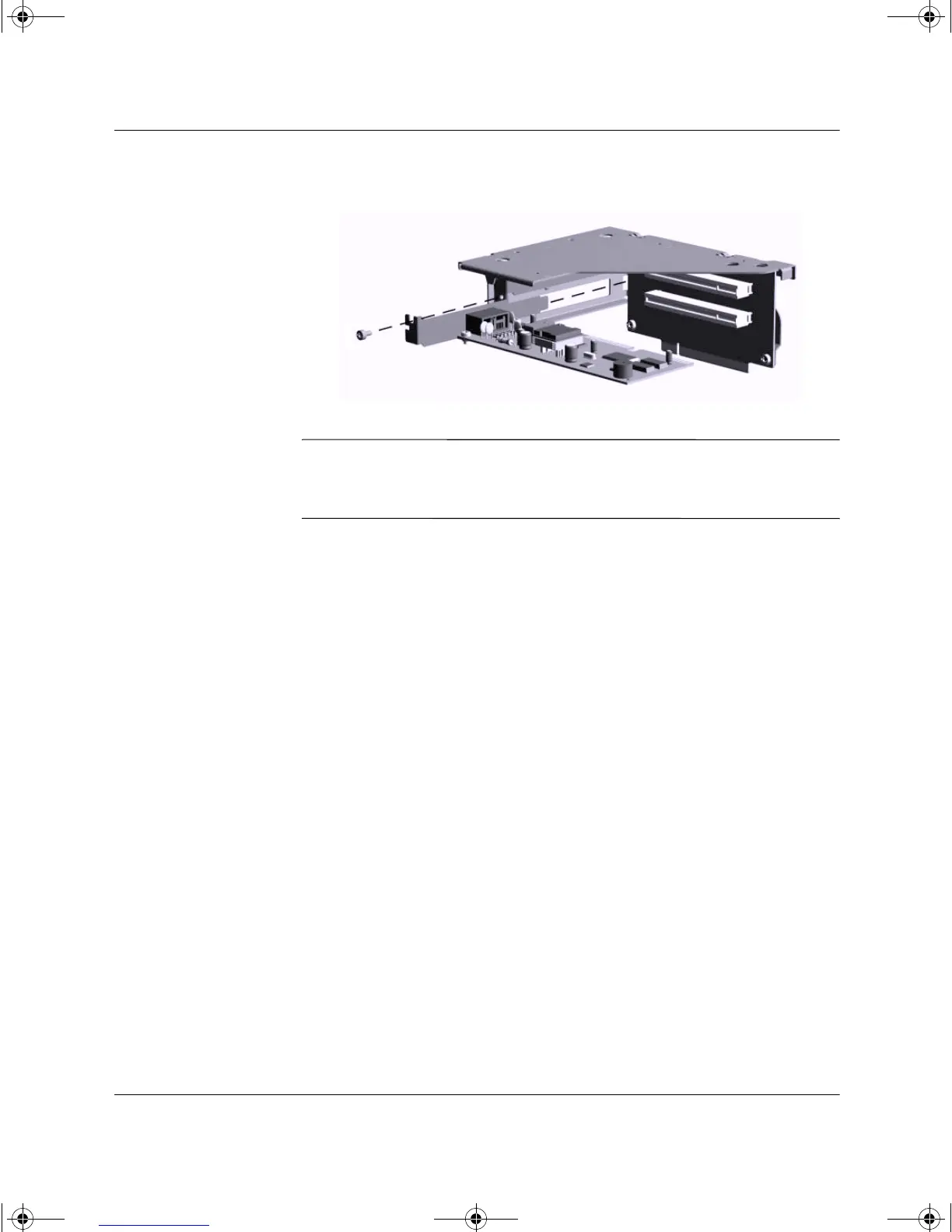
8. Install the expansion card.
Installing an Expansion Card
✎
When you install an expansion card, make sure to line it up with the
corner bracket and press firmly on the card so that the whole
connector seats properly in the expansion card slot.
9. Reinstall the retaining screws to secure the card.
243849-003.book Page 14 Thursday, March 14, 2002 5:07 PM



 To Next Page