2–26 Hardware Reference Guide
Hardware Upgrades
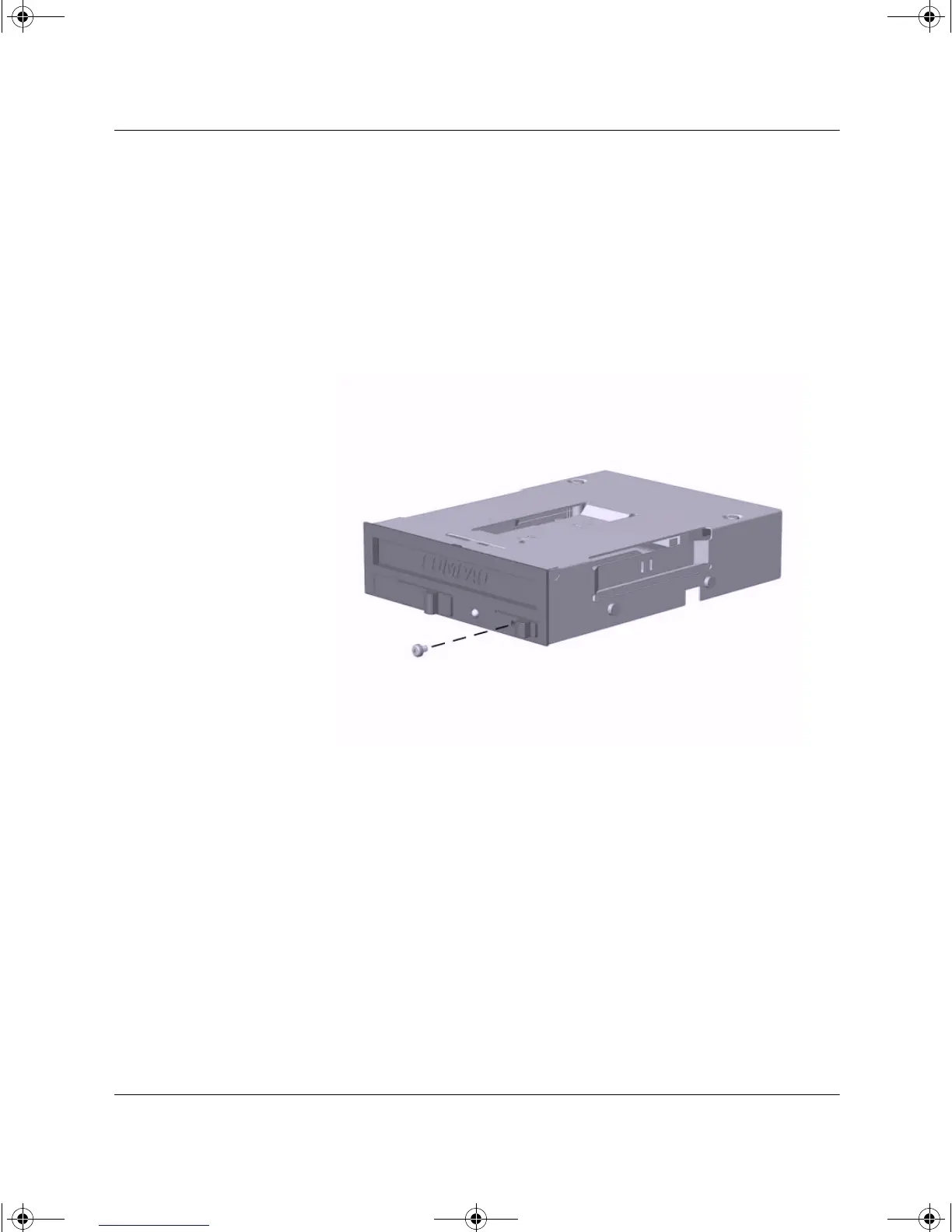
Uninstalling the MultiBay Security Screw
When installed, the MultiBay security screw disables the MultiBay
eject lever, so that a drive installed in the MultiBay cannot be
removed.
To remove a drive installed in the MultiBay, you must first remove the
security screw, if installed, using the special Torx screwdriver
(provided).
Uninstalling the MultiBay Security Screw
Inserting a Drive into the MultiBay
1. Exit all software applications, shut down the operating system
software, and turn off the computer if you are inserting or
removing a hard drive.
2. Remove any removable media, such as a compact disc, from the
drive.
243849-003.book Page 26 Thursday, March 14, 2002 5:07 PM



 To Next Page