2.5 Initial Settings
Before using the device, we recommend you to enable the Automatic
Record function and set up the correct Date and Time.
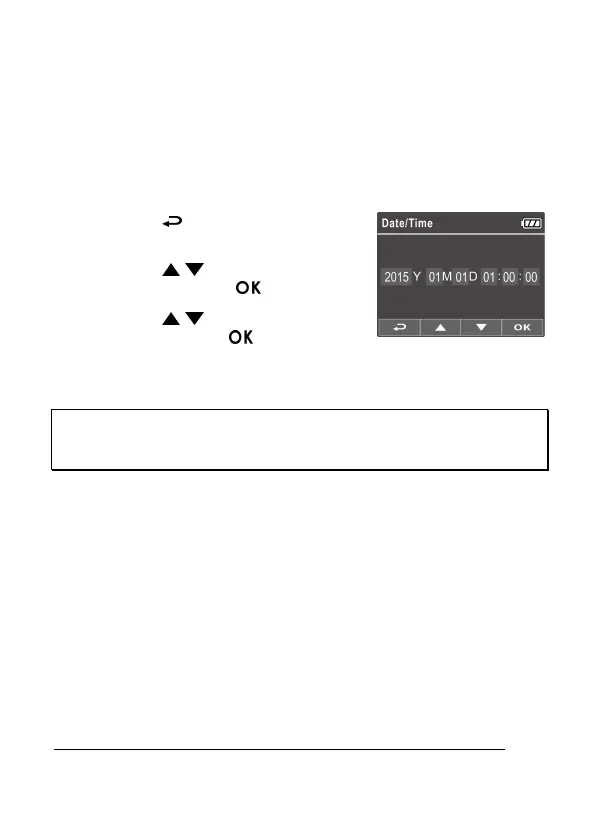
2.5.1 Set the Date and Time
To set the correct date and time, do the following:
1. Press the button to enter the OSD
menu.
2. Press the / button to select Date
/ Time and press the button.
3. Press the / button to adjust the
value and press the button to
move to another field.
4. Repeat step 3 until the date and time setting is complete.
Note:
To ensure the accuracy of the video file time, please reset the date and time when the battery power
runs out or when not in use over 7 days.



 To Next Page