4 Adjusting the Settings
4.1 Using the Menu
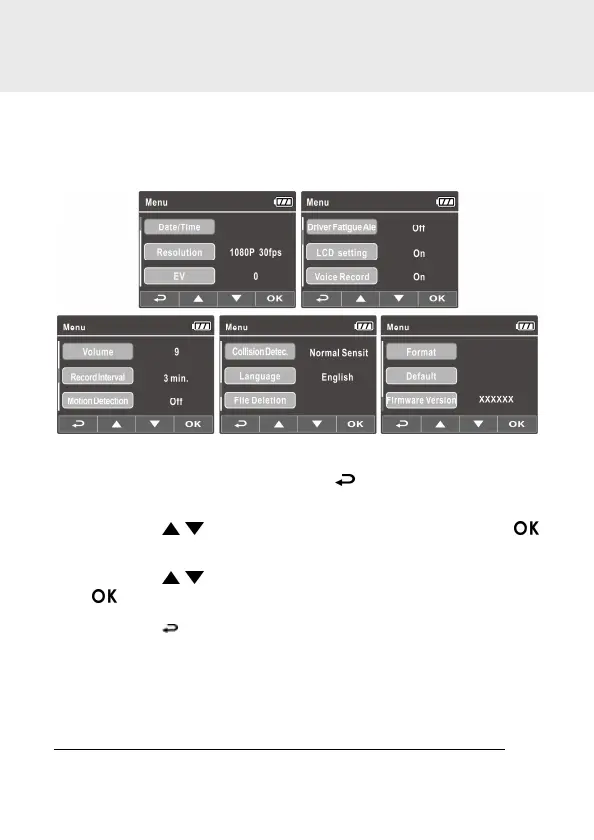
You can customize the video recording and other general settings via the
on-screen display (OSD) menus.
1. If recording is in progress, press the button to open the OSD
menu.
2. Press the / button to select a menu option and press the
button to enter the selected menu.
3. Press the / button to select the desired setting and press the
button to confirm the setting.
4. Press the button to exit the menu, back to recording mode.



 To Next Page