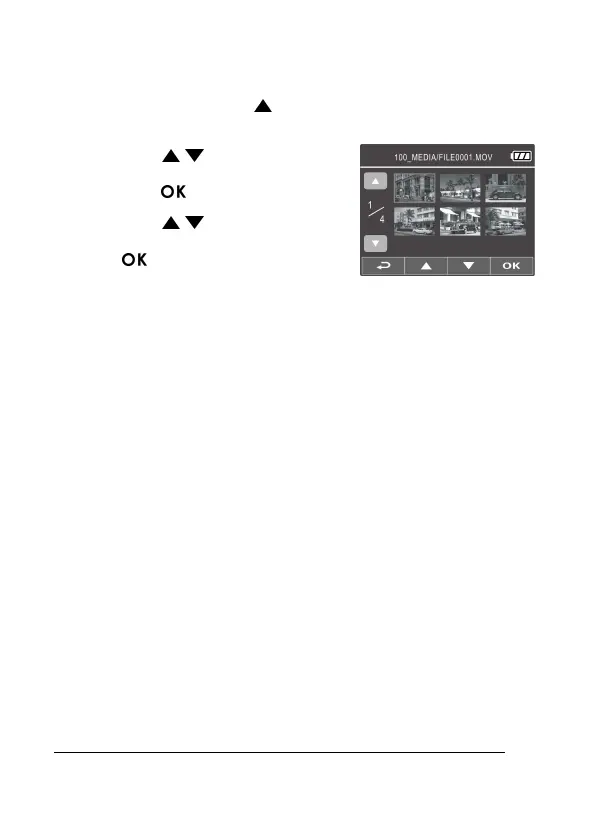
3.2 Playback Videos and Photos
1. During recording, press button to browse for the desired video
and photo file.
2. Press the / button to select
the file that you want to browse and
press the button.
3. Press the / button to view the
next or the previous file and press
the button to view the file in full
screen.
4. When user want to playback the emergency video file, they could
check on file name as EMER.



 To Next Page